
 DeltaSnap
  DriveSync
  Noject
  DeltaSync
 What does Noject actually do?
Noject lets you mark any mounted volume as "protected". Once protected, a background agent refuses all ejection attempts on that volume, whether they come from Finder, Disk Utility, a keyboard shortcut, or a third-party app.
Does it block a legitimate "Eject" I actually wanted?
Yes, that's the point. To eject a protected drive, you can either:
- Untoggle its protection in the Noject menu (permanent until you re-enable it).
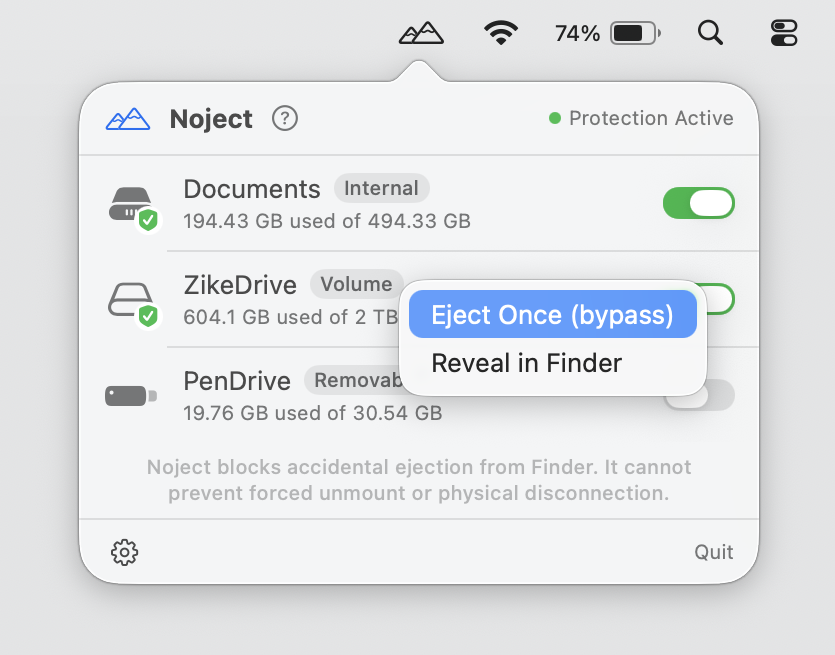
- Right-click the volume in the Noject menu and select Eject Once (bypass). Noject permits a single unmount for that volume. Your saved settings are unchanged, and protection resumes for any subsequent eject attempt.
Does Noject remember my drives?
Yes. Noject tracks your protected volumes by their unique identifiers. If you unplug a protected drive and plug it back in later (even days later), Noject will recognize it and automatically restore its protection.

Does Noject keep working if I quit the app?
Yes. Noject is split into two parts: the menu-bar app (the UI) and a lightweight background agent. The agent handles the actual blocking and runs independently. Once you've allowed it to run in the background, it stays active even if the main app is closed.
Does it start automatically?
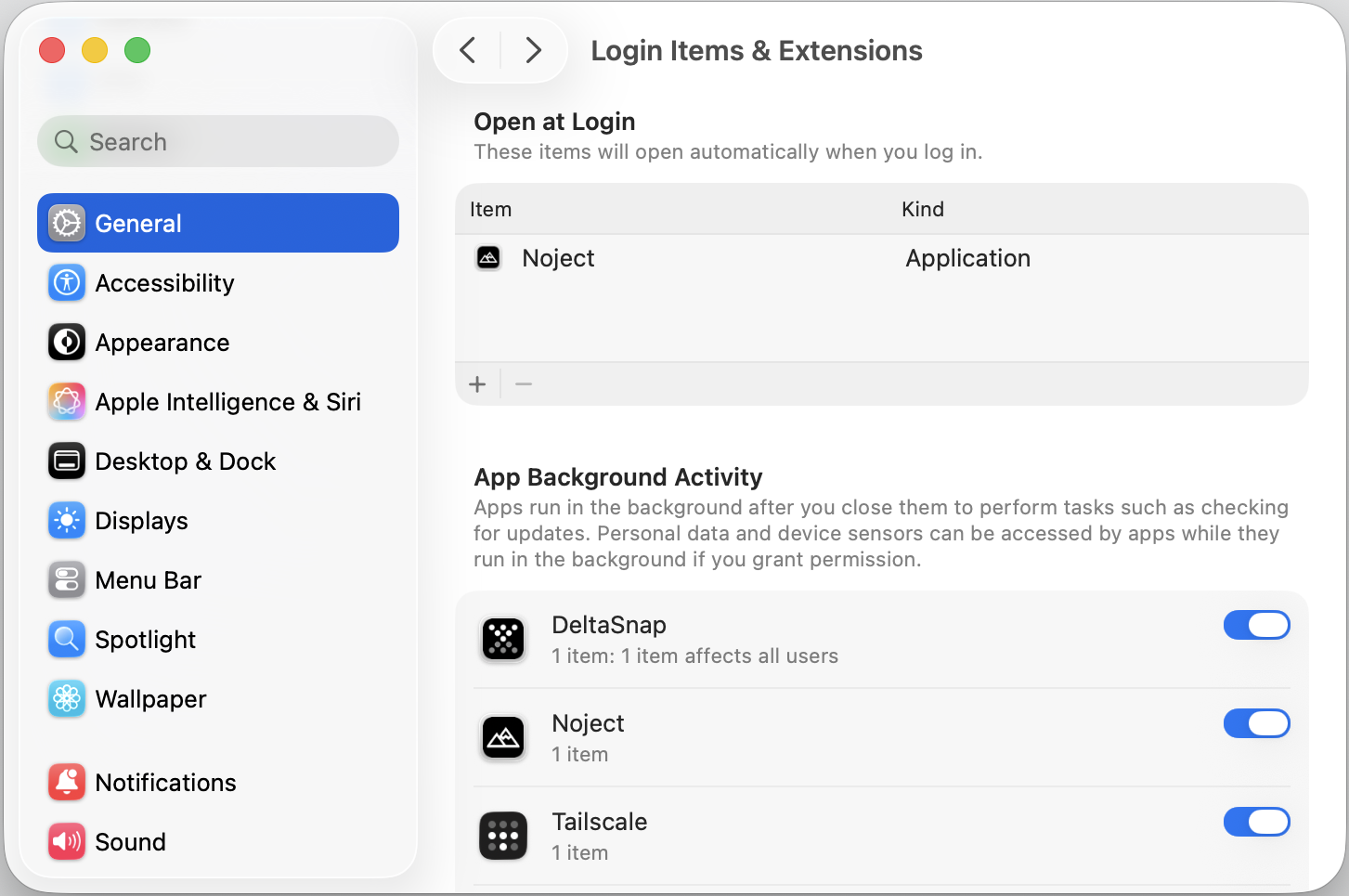
Yes. When you first run Noject, it adds itself to your Login Items. This ensures the app and its background agent are active the moment you log into your Mac.
Can I quickly find my drives?
Yes. Right-click any volume in the Noject menu and select Reveal in Finder to quickly open its root directory.
What kinds of volumes can I protect?
You can protect any kind of external volumes, such as SSD, HDD, or RAID array (USB, Thunderbolt, etc.), as well as internal non-system volumes. System volumes and the primary boot drive are never touched.
You can also protect mounted network shares (SMB / Samba, AFP, and FTP / FTPS). These work differently from local drives, see the next question.
Can Noject protect network shares (SMB, AFP, FTP)?
Yes, with a twist. A network share can't be force-ejected the way a local disk can, but it can drop on its own when the server reboots, the network blips, or your Mac sleeps and wakes. So for protected shares, Noject doesn't block ejection: it keeps them reconnected.
When a protected SMB (Samba), AFP, FTP, or FTPS share disconnects, Noject asks Finder to remount it by its URL. By default it makes two attempts, one immediately and one 30 seconds later, kept deliberately conservative so it doesn't hammer the server or trigger repeated credential prompts. If macOS doesn't already have the credentials saved, Finder shows its normal connection prompt so you can enter (and optionally remember) your username and password.
Noject stores only the share's URL (protocol, host, and share path) with any password stripped out. Credentials stay in the macOS Keychain, never in Noject's configuration, and Noject itself opens no network connections: it just hands the URL to Finder, the same way the help button hands a link to your browser. To stop a share reconnecting, untoggle it, or right-click it and choose Disconnect Once (bypass) to unmount it once without forgetting it.
Does Noject write to my disks?
No. Noject only monitors mount and unmount events via Disk Arbitration framework. It never accesses or modifies the data on your volumes.
Does Noject collect any data?
No. There are no accounts, no analytics, and no telemetry. Everything happens locally on your Mac.
What languages does Noject support?

Noject is fully localised in 11 languages:
- English
- Deutsch (German)
- Español (Spanish)
- Français (French)
- Italiano (Italian)
- 日本語 (Japanese)
- 한국어 (Korean)
- Português (Brasil) (Brazilian Portuguese)
- Română (Romanian)
- Svenska (Swedish)
- 简体中文 (Simplified Chinese)
The app picks your language automatically based on your macOS system language. No setting to configure.
Do you offer enterprise or volume licensing?
Yes. Mac App Store licences are tied to a personal Apple ID and are intended for personal use. If you need to deploy Noject across a server farm, research lab, or corporate fleet (with central management, MDM, or volume billing), we offer site licensing and distribution. Please contact us for a quote.
How do I uninstall?
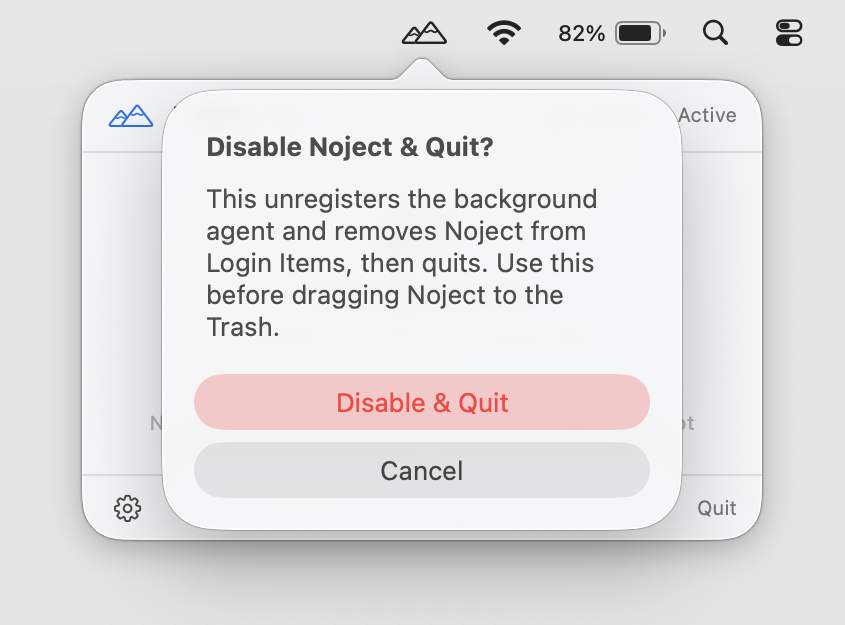
Open the Noject menu and choose ⚙ → Disable Noject & Quit. This unregisters the background agent, removes Noject from your Login Items, and quits the app cleanly. You can then drag Noject.app from /Applications to the Trash.
If you want to remove the last traces, delete the configuration container at ~/Library/Group Containers/VXNWQ9H93X.com.scaleninja.Noject/.