
 DeltaSnap
  DriveSync
  Noject
  DeltaSync
 Requirements
- macOS 14 Sonoma or later
- A Google account, and permission to create a project in the Google Cloud console for it
- About 25 MB of disk space
DriveSync is universal: it runs natively on Apple silicon and Intel.
Install
Install DriveSync from the Mac App Store. It installs into /Applications like any other app.
No separate CLI installation is required for the Mac app. A copy of dsync ships inside the app bundle and the app only ever runs that copy. You can see the version and path at the bottom of Settings. The standalone CLI is also available free, including for trying the sync engine before buying the app.
Already using dsync on this Mac? Add your existing folder to keep its pairing and authorization.
First launch
DriveSync lives in the menu bar and has no Dock icon. Look for the sync glyph at the top-right of the screen; its menu opens the setup wizard, sync windows and Settings.
On a fresh install, with no folders set up yet, the wizard opens by itself a moment after launch. Close it and nothing is lost: it is the same wizard you get from Add Folder… in the menu. Once you have at least one folder, launching DriveSync does exactly nothing visible. It puts its icon in the menu bar and waits for you.
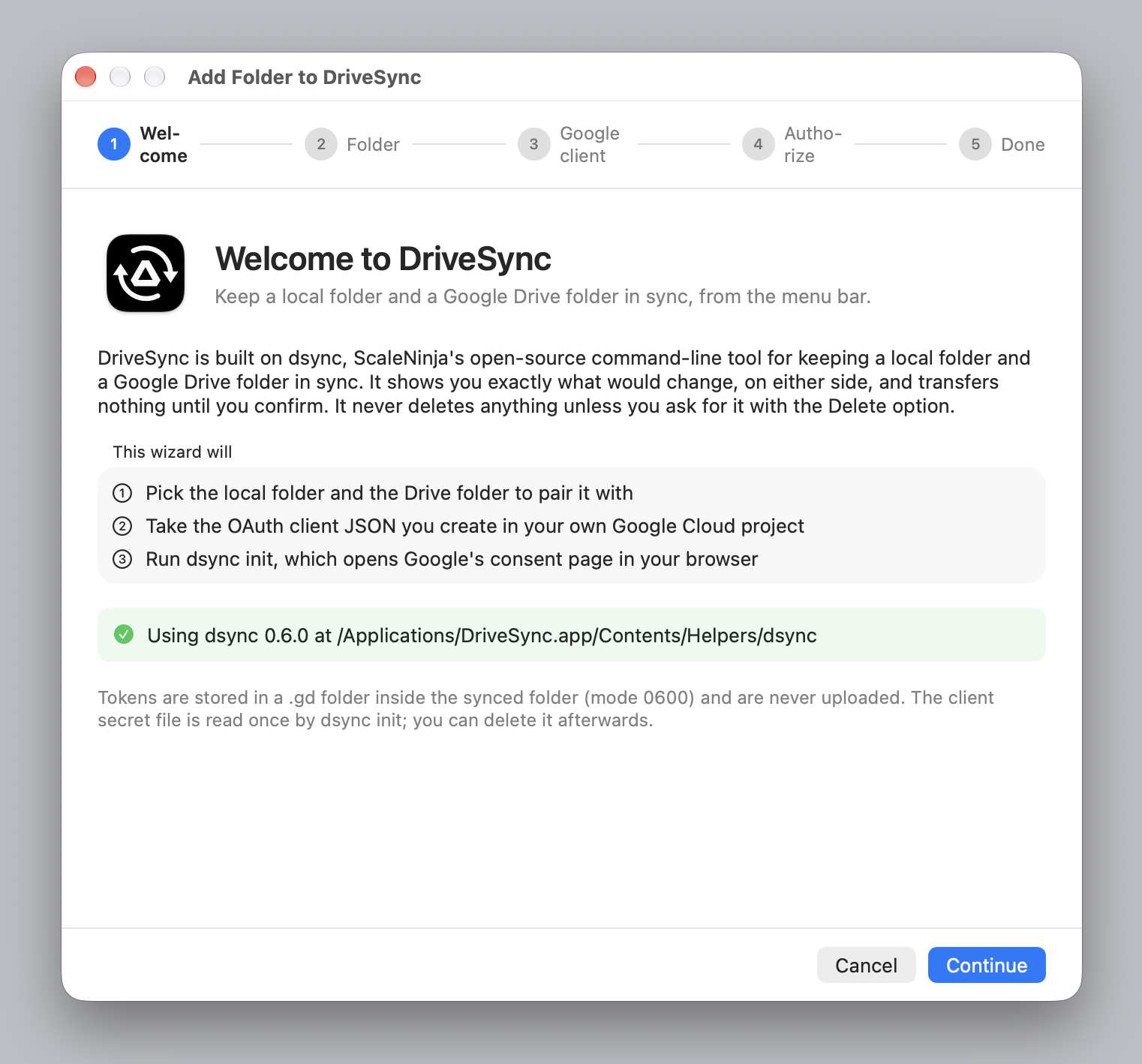
Before you start, it is worth knowing what is coming: step 3 asks for a Google OAuth client, and you have to create that in the Google Cloud console. If you would rather get that out of the way first, read Add a folder and come back.
Launch at login
Off by default. Turn it on in Settings → General if you want the menu bar item back after a restart. It changes nothing else: DriveSync still syncs only when you ask it to.
Uninstall
Drag DriveSync to the Trash.
Three things outlive that, by design:
- Its settings, in
~/Library/Containers/com.scaleninja.DriveSync/. macOS leaves a sandboxed app's container behind; delete the folder if you want it gone. - The
.gdfolder inside each synced folder, which holds dsync's index and your Google tokens. Delete it when you are done with that folder. - Your files, on both sides, exactly as they were.
To cut Google's access off entirely, remove the app at myaccount.google.com/permissions.