
 DeltaSnap
 DriveSync
 Noject
 DeltaSync
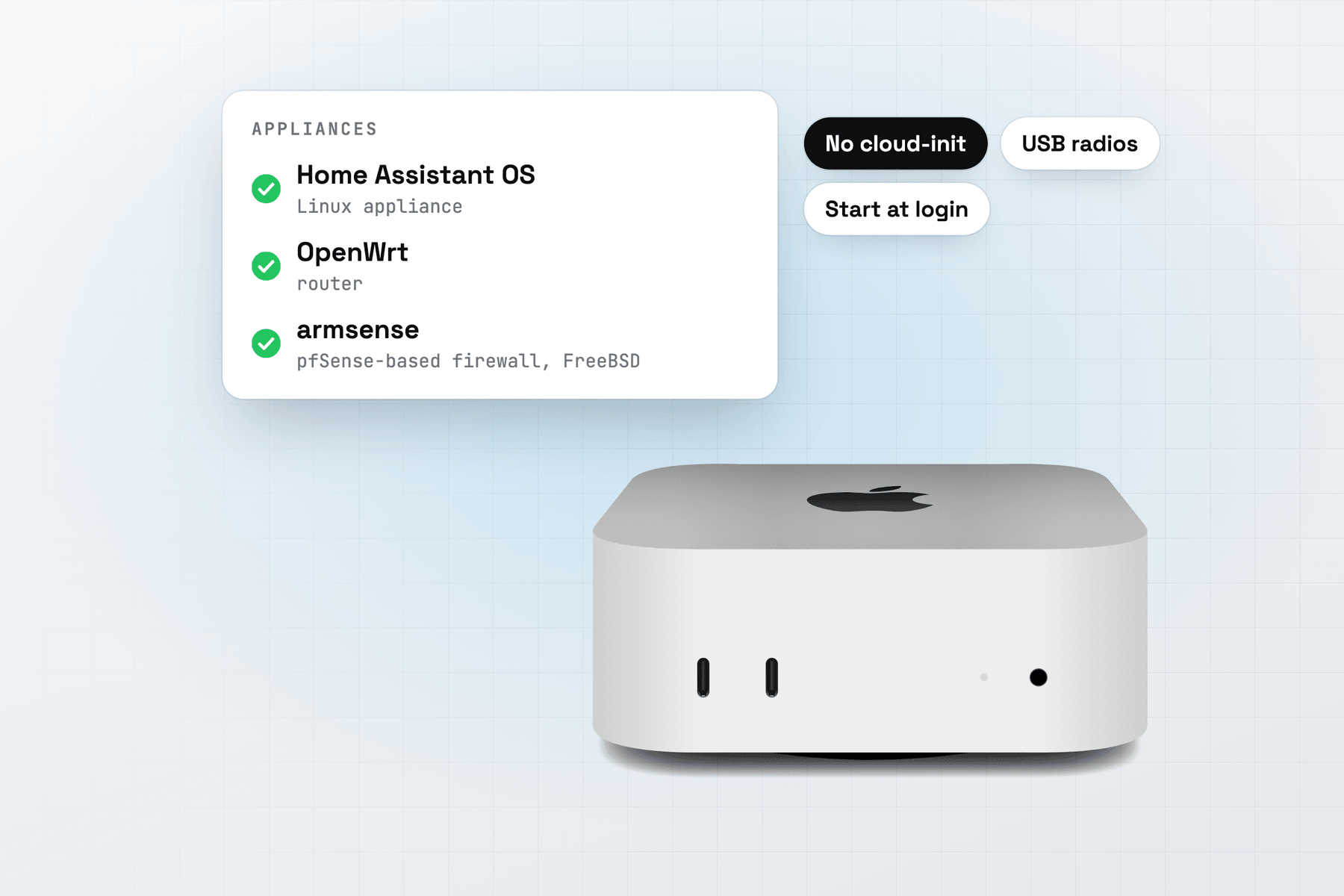
An appliance is a complete system that sets itself up: a smart-home hub, a router or a firewall, managed through its own web UI or console. MacVisor runs them beside your other VMs on one Apple Silicon Mac, and keeps them running when nobody is watching.
Make an appliance VM
Appliance images don't use cloud-init, so make the VM with it off. In the app, press ⌘N, choose Linux, or FreeBSD for a FreeBSD-based image, then Image File or URL…, and turn off Set up with cloud-init. From Terminal:
mvz create ~/Downloads/<appliance-image> hub --no-cloud-init                 # a Linux-based appliance
mvz create ~/Downloads/<appliance-image> fw --no-cloud-init --os freebsd     # a FreeBSD-based one
mvz start hub --headless
mvz ip hub --wait                                                           # the address the Mac sees it use
MacVisor takes raw, qcow2 and ASIF images, and .xz files of them. Decompress any other download first. The image must be built for ARM64: MacVisor uses Apple's Virtualization framework and doesn't emulate x86.
The file becomes a template the first time, and the template remembers it makes appliances. A new VM gets 4 vCPUs, 4 GiB of memory and a sparse 64 GiB disk unless you pass --cpus, --memory or --disk.
What MacVisor does for an appliance
MacVisor boots the image as it is. It attaches no cloud-init seed, makes no account, authorises no SSH keys and installs no agent. So mvz shell and mvz exec refuse an appliance, and you sign in at its console or web UI instead.
- The console. Linux VMs have a serial console on by default, and FreeBSD VMs always do. Use the window's Display | Console switch, or
mvz console <vm>in Terminal. - FreeBSD-based images boot through MacVisor's own FreeBSD boot volume, so nothing in the image changes. They have no display after FreeBSD's loader, and the window shows the console.
- Addresses.
mvz ip, the Overview's Appliance card and<vm>.mvzshow what the appliance reports through a QEMU guest agent, or else the addresses the Mac has seen it use. - A QEMU guest agent, which images such as Home Assistant OS ship, gives MacVisor the guest's addresses and a clean shutdown. A new Linux appliance gets the port it talks on, and every FreeBSD VM has a serial port for it. See QEMU guest agent.
- Shutting down. Shut Down and
mvz stopwork for every appliance, through its power button or its QEMU guest agent. For one that ignores both, set a shutdown command, such as one that logs in over SSH.
See Appliances: images without cloud-init for the full list.
Networks for appliances
A new VM joins the Default MacVisor Network, which reaches the internet through the Mac and is reachable only from this Mac. An appliance often needs more:
| You want | Use |
|---|---|
| A hub that phones and devices on your LAN reach | A bridged adapter: mvz set <vm> --network bridged:en0 |
| A router's WAN | The Default MacVisor Network, or another shared network |
| A router's LAN, for lab VMs behind it | A VLAN interface, made in the app with New VLAN Interface…, then mvz nics add <vm> --network bridged:<vlan-interface>. Our OpenWrt and armsense tests used this |
| A tagged segment of your real network | A VLAN interface, made in the app with New VLAN Interface…, then bridged |
A VM has up to four adapters, the primary one included. Never bridge a router's LAN to a network that has its own DHCP server, or the appliance's DHCP server answers there too. The Mac reaches a host-only network only in the subnet macOS picked, which mvz networks shows, and 27.2 can't pin it to 192.168.1.0/24. For a LAN in a subnet you choose, bridge it to a VLAN interface and give the Mac an address there, as in our OpenWrt test. Any custom network can also have a firewall the Mac enforces. See Custom networks and the network lab page.
Keep it running
mvz autostart hub on              # start at every login, without a window
mvz ha hub on                     # start it again after a crash
mvz ha hub on --watchdog          # also restart a guest that stopped responding
Start at Login has MacVisor's background service start the VM whether or not the app opens. A VM comes back after a power cut only if the Mac does too: restart after power failure, FileVault off, automatic login, and no sleep when idle. See Always-on host.
VM Watchdog needs heartbeats from inside the guest. Most appliances can't run the MacVisor Agent, so a QEMU guest agent's answers count instead. Where none answers, use a health check: a command on the Mac, such as curl against the appliance's web UI, that restarts the VM or tells you when it keeps failing.
USB devices
A Zigbee or Z-Wave radio, a serial adapter or a USB drive passes through to the VM, which uses its own driver for it:
mvz usb list hub
mvz usb attach hub 10c4:ea60      # attach now, and whenever the VM runs
macOS may ask once whether to allow the accessory, on the Mac's screen. A suspend or a live snapshot unplugs the device for a few seconds and plugs it in again, so shut an appliance with a radio down rather than suspending it. See USB devices.
Appliance guides
| Appliance | Based on | Make it with | Tested on MacVisor |
|---|---|---|---|
| Home Assistant OS | Linux | --no-cloud-init | Boots to its login. Bridged networking and a USB radio not yet |
| OpenWrt | Linux | --no-cloud-init | Boots, LAN on a VLAN interface, WAN, LuCI and the QEMU guest agent work |
| armsense (technology demo, test use only) | FreeBSD, from pfSense CE source | --no-cloud-init --os freebsd | Boots, WAN on the default network, LAN on a VLAN interface, console menu works |
VyOS and OPNsense-based images boot the same way when you have an ARM64 build. Check that the project offers one before you start: many firewall distributions publish x86-64 images only.
Snapshots and backups
Take a disk-only snapshot before an appliance updates itself, and revert if the update goes wrong:
mvz snapshots take hub --disk-only --name "Before update"
mvz set hub --backup-to /Volumes/T7/Backups       # daily, keeps the newest 7
Without the MacVisor Agent, nothing flushes the guest's writes before a snapshot or a backup, so keep the appliance's own configuration backups too. See Snapshots and Backups.
When MacVisor isn't the right choice
- The appliance ships only for x86-64. It won't boot on Apple Silicon. Use an x86 machine with a hypervisor such as Proxmox VE.
- You don't have a Mac that's on all the time. A small dedicated device, such as a Raspberry Pi for Home Assistant or a router you buy, uses less power and has fewer moving parts.
- You need GPU or PCI passthrough, such as a network card handed to a firewall. MacVisor passes USB devices only.
To try it, download MacVisor and use the free 30-day trial. Every feature on this page is in every license, including the one-time Pro license.
 Home Assistant OS
 OpenWrt
 armsense