
 DeltaSnap
 DriveSync
 Noject
 DeltaSync
armsense is an open-source firewall and router distribution for arm64. It's built from the pfSense CE source code and FreeBSD 16.0-CURRENT, and released under the Apache License 2.0. It publishes a ready-to-boot qcow2 or raw disk and an installer ISO.
armsense is based on pfSense CE, but it isn't pfSense and it isn't a Netgate product. Its README says the project is independent and not affiliated with Netgate or Electric Sheep Fencing. pfSense is a registered trademark of Electric Sheep Fencing, LLC, and Netgate is a trademark of Rubicon Communications, LLC.
What we tested
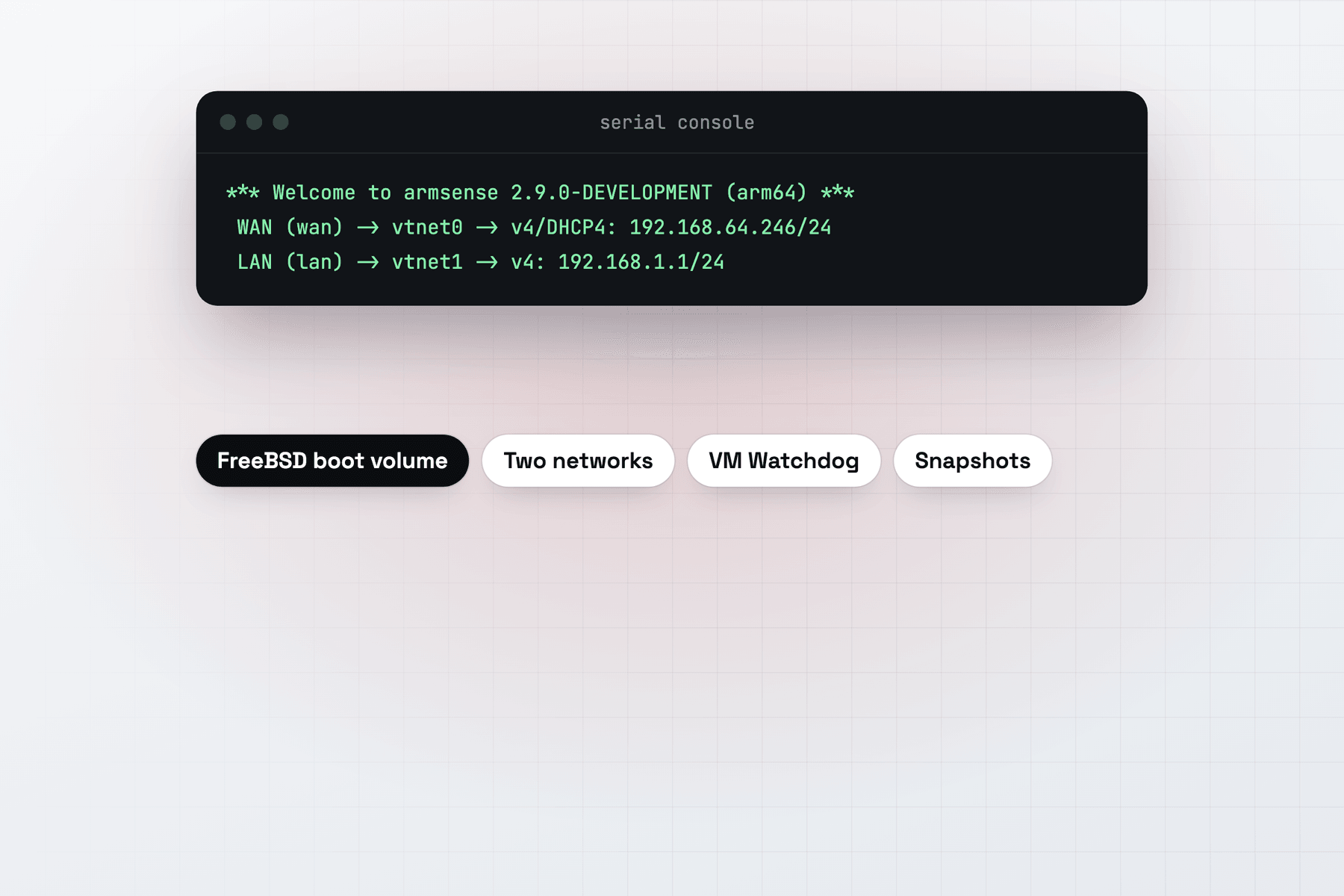
A FreeBSD appliance VM named armsense, with 2 vCPUs and 2 GiB of memory, boots armsense 2.9.0-DEVELOPMENT (arm64) through MacVisor's FreeBSD boot volume. Its WAN, vtnet0, got 192.168.64.246/24 by DHCP on the Default MacVisor Network. Its LAN, vtnet1, came up at 192.168.1.1/24 on a second adapter bridged to a VLAN interface on the Mac. The serial console menu works, and VM Watchdog is on.
Make the VM
armsense takes its adapters in the opposite order to OpenWrt: the first is the WAN, the second the LAN. In our test the WAN was on the Default MacVisor Network and the LAN bridged to a VLAN interface on the Mac.
- In MacVisor's Networks section, click New VLAN Interface…, and give it a name, a tag that nothing else on your network uses, and a parent interface, such as the Mac's Ethernet. See VLAN interfaces.
- Download the qcow2 from the project's releases, and make the VM:
mvz create ~/Downloads/<armsense-image>.qcow2 armsense \
  --no-cloud-init --os freebsd --cpus 2 --memory 2   # the WAN: the first adapter, on the Default MacVisor Network
mvz nics add armsense --network bridged:vlan0        # the LAN: a second adapter, bridged to the VLAN interface
mvz start armsense --headless
mvz console armsense                                 # the console menu (Control-] detaches)
Replace vlan0 with your VLAN interface's name. In the app, press ⌘N, choose FreeBSD, then Image File or URL…, and turn off Set up with cloud-init. Add the LAN adapter in VM Settings → Network and bridge it to the VLAN interface.
The console menu shows the WAN with the address it got by DHCP and the LAN at 192.168.1.1. If they're swapped, move the adapters with mvz nics set armsense <nic-id> --network <network>; mvz nics list armsense shows their ids.
The LAN
The standard image's LAN is 192.168.1.1/24 with a DHCP server, which answers on the VLAN. VLAN traffic leaves through the parent interface with its tag, so keep that tag free of other DHCP servers. Never bridge the LAN to your home network directly, or armsense's DHCP server answers there too.
To reach the web UI from the Mac, give the VLAN interface a manual address in the LAN's subnet in System Settings → Network, such as 192.168.1.100. If your home network already uses 192.168.1.0/24, first change armsense's LAN address from the console menu to a subnet it doesn't use. Then open https://<LAN address>/ in a browser on the Mac, and sign in as admin with the password armsense. Change it first. Like other pfSense-based images, armsense blocks its web UI on the WAN side.
A host-only network is harder: the Mac reaches it only at addresses in the subnet macOS picked, which mvz networks shows, and macOS 27.2 can't pin one to 192.168.1.0/24. armsense publishes a -lan-dhcp image for that case, whose LAN takes an address by DHCP and shows it in the console menu. We haven't tested it.
Keep it running
mvz autostart armsense on
mvz ha armsense on --watchdog
mvz snapshots take armsense --disk-only --name "Before upgrade"
VM Watchdog needs heartbeats from a guest agent. armsense's v0.2.0 release notes say its QEMU guest agent is on by default and starts on the second serial port of a MacVisor VM, which is where MacVisor looks for one in FreeBSD guests. When it answers, the Overview's Guest Tools card shows Limited, and Shut Down goes through it. Otherwise MacVisor presses the power button, and a shutdown command over SSH covers an appliance that ignores it.
A development snapshot can fail to upgrade, so take a disk-only snapshot before each one. See FreeBSD guests and QEMU guest agent.
When MacVisor isn't the right choice
For a firewall that protects a real network, use a supported release on dedicated hardware, such as pfSense or OPNsense on an x86 machine. armsense on MacVisor suits learning, testing rules and lab segments.