
 DeltaSnap
 DriveSync
 Noject
 DeltaSync
MacVisor runs macOS, Windows 11, Linux and FreeBSD VMs on Apple Silicon Macs, as a background service that keeps them running with the app closed. For a team, that means test and development VMs on each engineer's Mac, build Macs that run VMs under scripts, and a lab Mac that stays on. This page covers how licensing works for a team, how IT deploys MacVisor, and what isn't there yet.
Licensing for a team
MacVisor is licensed by the Mac, not by the user or seat. A key covers every macOS account on each Mac it's active on, and every license has every single-Mac feature, with no limit on VMs.
| Pro | Business | Enterprise | |
|---|---|---|---|
| Licensed to | A person, for their own work | A business or organization | A business or organization |
| Macs | 1 or 2 per license | 3 or more, on one key | As many as you need |
| Term | One-time, for MacVisor 27 | Yearly, new major versions included | Per your agreement |
| Support | Email, first reply within 2 business days (IST, no SLA) | 8x5, or 24x7 with an SLA | |
| MDM deployment help and license admin | Yes | Yes | |
| Billing | Through Polar, with invoices | Through Polar, with invoices | Also purchase orders or bank transfer |
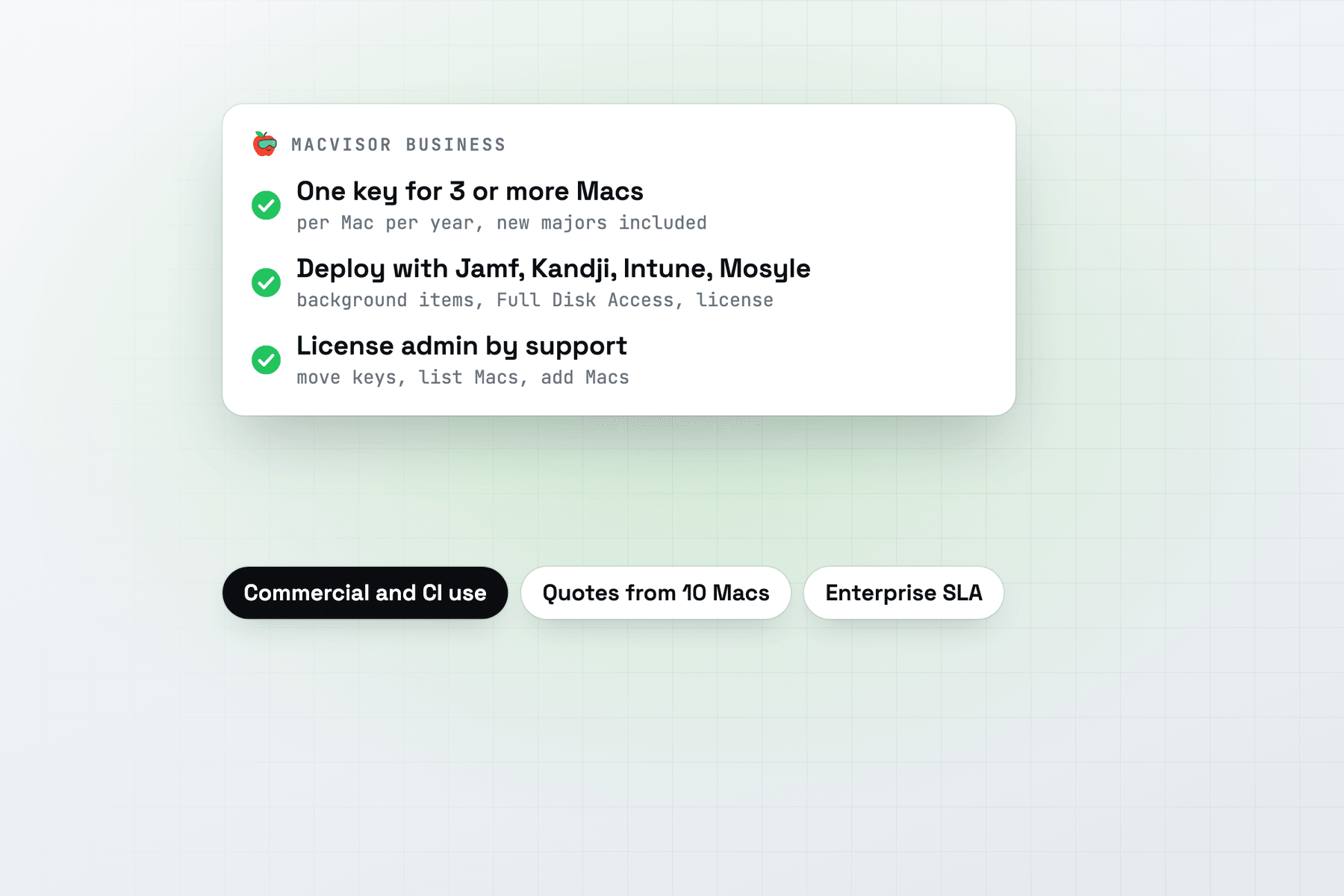
Business is priced per Mac per year, from 3 Macs. The current price is in Pricing. For 10 or more Macs, or for Enterprise, email sales for a quote. Pro is licensed to a person; licenses a business or organization buys for its staff or its Macs are Business or Enterprise. The full comparison is in Compare licenses.
Deploy through your MDM
The MDM guide has the profiles, scripts and step-by-step setup for Jamf Pro, Kandji and Intune. Mosyle and other MDMs install the DMG or the ZIP to /Applications. In outline:
- Install the app in
/Applications. Intune takes the DMG, Kandji the ZIP, and Jamf Pro a package you build with Composer. - Pre-approve the background items with the Managed Login Items profile, so users and administrators aren't asked to allow the background service and the network helper.
- Grant Full Disk Access with the privacy (PPPC) profile, if you'd rather users weren't asked as VMs use their folders. It's optional.
- Activate the license with the activation script, run by your MDM at login and on a recurring check-in. It runs
mvz license activateas the logged-in user, with the key on standard input. - Keep Macs on one version with the updates profile, which turns off automatic update checks. Deploy the next version when you choose.
- Report MacVisor in inventory with two scripts: one prints the version, the other the license, from
mvz license --json. - Allow network access to
keys.scaleninja.comfor license checks, andscaleninja.comfor updates, if your Macs sit behind a proxy or an allow-list. The full list covers cloud images and drivers.
On a Mac, check the result as the user:
mvz license          # edition, masked key and last check
sudo profiles show -type configuration
A Mac keeps working for 30 days without reaching the licensing server. Users still allow two Local Network prompts on first use, because no MDM setting covers them. See What users still do. MacVisor works for standard accounts: making and running VMs, snapshots, networks and firewall rules need no administrator.
License admin and support
Business and Enterprise include license admin by support. Email support@scaleninja.com from the address on the order, with the key's last four characters, to move the key between Macs beyond the usual 3 moves in 30 days, get the list of Macs it's active on, or add Macs during the year. You can still move a key yourself with Move to This Mac, or mvz license activate <key> --move. See Moving a license to another Mac.
Business support is by email, with a first reply within 2 business days (IST) and no SLA. For an SLA, choose Enterprise.
If you cancel Business, it runs to the end of the paid year, then we send a MacVisor Pro key for the same number of Macs, for the current major version, with no end date. See Cancellation.
What teams run on it
- QA and test VMs. Make a golden VM, then linked clones of it, one per tester or branch, in an instant and with no extra space. Snapshots roll a VM back after each test run.
- Windows dev and test VMs. Windows 11 on ARM installs unattended from Microsoft's ISO, with Secure Boot and a TPM. See Windows 11 on Apple Silicon.
- macOS VMs for testing on a clean Mac. A Mac runs two macOS VMs at a time. See macOS VMs on Apple Silicon.
- Linux dev VMs from cloud images, set up with your account and SSH keys. See Linux on Apple Silicon.
- Build labs.
mvzruns headless VMs from scripts, with JSON output. Push a golden image to your own OCI registry and pull it on each Mac with registry images. - Security and network labs, with custom networks, VLANs and a firewall the Mac enforces. See Network lab.
- AI sandboxes, throwaway VMs for coding agents, with your API keys kept on the Mac. See AI sandboxes. They're a Tech Preview.
A throwaway test VM on a build Mac takes five commands:
mvz create ubuntu ci-42
mvz shares ci-42 add "$PWD"
mvz start ci-42 --headless && mvz wait ci-42 --ssh
mvz exec ci-42 --wait --workdir "$PWD" -- make test
mvz poweroff ci-42 && mvz rm ci-42 --yes
The VM is a linked clone of the Ubuntu template, so it needs no download after the first run. See Scripting examples.
Limits today
- One Mac at a time, for now. Each Mac's VMs are managed on that Mac, in the app or with
mvz, also over SSH. Managing VMs across several Macs from one place is in the works. Tell us what your team needs from it. - No SSO. Licensing is by key, not by user accounts.
- MDM manages updates only. The updates profile sets two managed preferences. Settings an administrator can lock are on our roadmap.
- No CI runner integrations yet. Drive VMs from your CI system with
mvzscripts. - No TPM attestation for Windows VMs, so Intune compliance based on device health attestation and Autopilot self-deploying mode don't work.
- ARM64 guests only, and two macOS VMs at a time per Mac.
When MacVisor isn't the right choice
- You need one portal for VMs on many Macs today. Parallels Desktop Enterprise has a management portal now; MacVisor's is still to come.
- You run a macOS CI fleet with a scheduler. Tart with Orchard, or Anka Build Cloud, place jobs across many Macs.
- You need x86 VMs. Apple Silicon runs ARM64 guests only.
Get a quote
Try MacVisor free for 30 days on a few of your Macs first: the trial is the full app. When you're ready, buy Business for 3 or more Macs, or email sales@scaleninja.com with how many Macs, what they're for and the MDM you use. If you're evaluating on many Macs behind one network address, ask support to raise the daily trial limit.