
 DeltaSnap
 DriveSync
 Noject
 DeltaSync
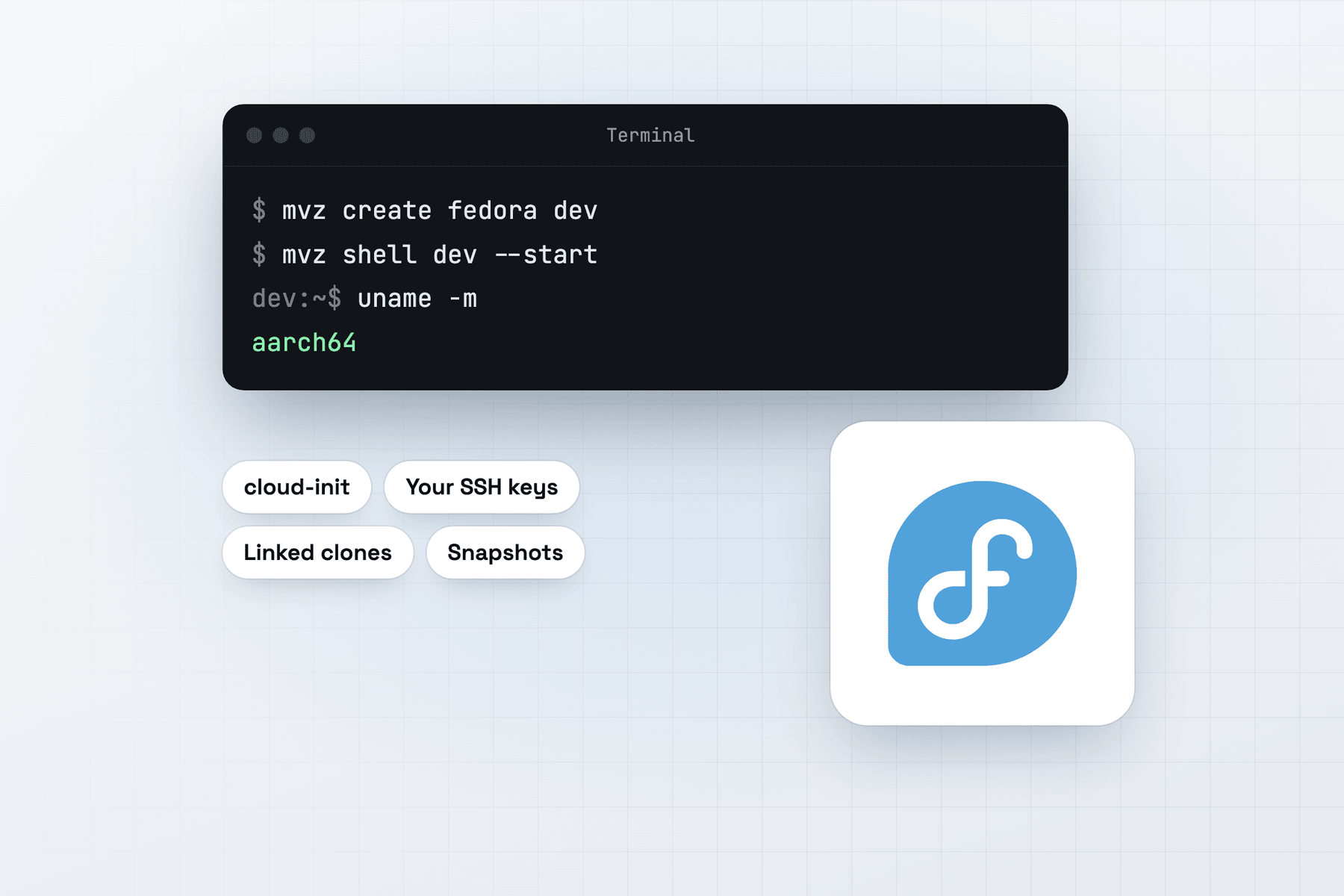
Create a Fedora VM
In the app, choose New VM → Linux → Cloud Image → Fedora 44. From Terminal:
mvz create fedora dev                                         # Fedora 44 (alias: fedora)
mvz create fedora-43 f43                                      # Fedora 43
mvz create fedora-44 build --cpus 8 --memory 16 --runtime podman
The images are Fedora's Cloud Base Generic builds for aarch64 from download.fedoraproject.org, pinned to a SHA-256 digest in the signed catalogue. Fedora's download redirector sends each request to a mirror. When a mirror stalls or hasn't synced the file yet, MacVisor tries again and resumes from where the download stopped.
What you get
Your account has your Mac user name and UID, your SSH keys, bash and sudo without a password. The MacVisor Agent, Rosetta and automatic port forwarding are set up on the first boot. The root filesystem is Fedora Cloud's btrfs.
Fedora gets new kernels, compilers and toolchains first. It's a good VM for trying them without touching your Mac, and for checking what lands in RHEL later.
Podman first
Fedora's image includes Podman, so podman run works in any Fedora VM. Choose --runtime podman and MacVisor also turns on the rootless podman.socket for your account and forwards it to the Mac:
mvz create fedora pods --runtime podman
mvz start pods --headless && mvz wait pods
docker --context macvisor-pods ps          # the docker CLI on the Mac, talking to Podman
The other runtimes work too. --runtime docker installs Fedora's moby-engine, --runtime containerd sets up rootless nerdctl, and --runtime k3s a single-node k3s. For rootless containers, MacVisor installs iptables-nft, since Fedora's plain iptables is the legacy backend rootless networking can't drive.
SELinux and Rosetta
SELinux stays enforcing. MacVisor runs its per-user setup as a system service, which Fedora's policy allows, and mounts Rosetta with a container label, so a container can run x86-64 binaries through Rosetta under SELinux.
Quirks
- Fixed builds. Unlike the tracking entries, Fedora's catalogue entries name one build each, and a MacVisor update moves them forward.
- Disks grow only.
mvz set dev --disk 128grows the disk, and Fedora's filesystem follows at the next boot. - Release upgrades are yours. A VM made from Fedora 43 stays on 43 until you upgrade it with
dnf system-upgradein the guest, or make a new VM fromfedora-44.