
 DeltaSnap
 DriveSync
 Noject
 DeltaSync
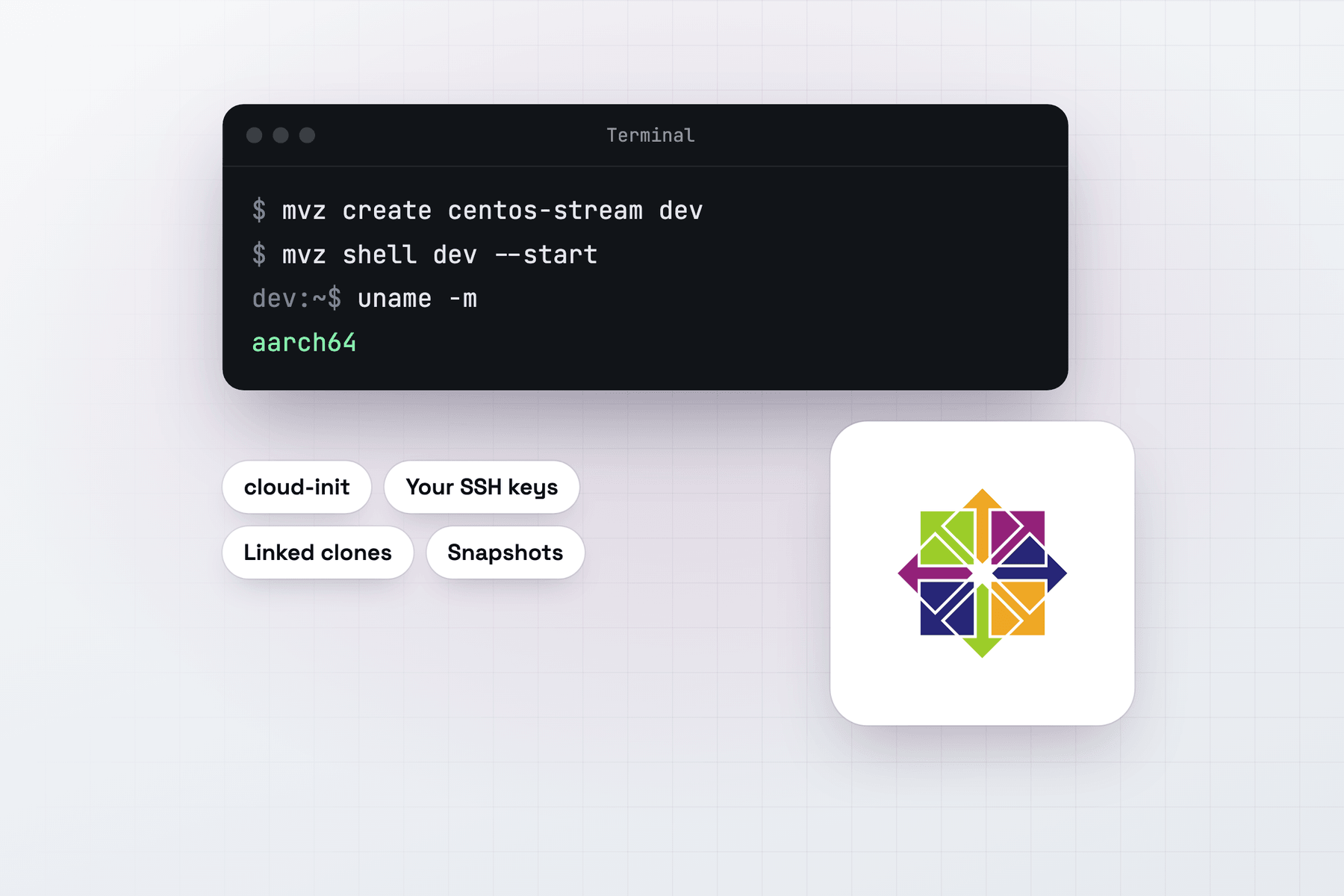
Create a CentOS Stream VM
In the app, choose New VM → Linux → Cloud Image → CentOS Stream 10. From Terminal:
mvz create centos dev                       # CentOS Stream 10 (aliases: centos, centos-stream)
mvz shell dev --start
The image is CentOS-Stream-GenericCloud-10-latest for aarch64 from cloud.centos.org, checked against the CHECKSUM file beside it.
What you get
Your account has your Mac user name and UID, your SSH keys, bash and sudo without a password. The MacVisor Agent, Rosetta and automatic port forwarding are set up on the first boot.
CentOS Stream sits between Fedora and Red Hat Enterprise Linux: changes land in Stream before they reach a RHEL minor release. A Stream VM shows you what's coming to RHEL 10 and its rebuilds, so you can test your software against it early.
A moving target, kept still per VM
Stream changes more often than a point release. MacVisor keeps that under control:
- The first VM makes a template from the build current that day. Later VMs are linked clones of the same template, so they all start from identical bits.
mvz images pull centosfetches the newest build for VMs you make after it. Existing VMs keep the build they started from.- Take a snapshot before a
dnf updateyou're unsure of, and revert if it breaks something:
mvz snapshots take dev --name before-update
mvz exec dev -- sudo dnf -y update
Containers
All four runtimes work. Podman is in the image already. With --runtime podman, MacVisor turns on the rootless podman.socket for your account and forwards it to the Mac as the macvisor-<vm> docker context. --runtime docker installs Docker CE from Docker's RHEL repository, and --runtime containerd a rootless nerdctl setup.
mvz create centos pods --runtime podman
mvz create centos k8s --runtime k3s --memory 8
Quirks
- SELinux enforcing, as the image ships it. MacVisor's setup works within the policy.
- XFS root. The disk grows with
mvz set <vm> --disk <GiB>and never shrinks. - One release. Only Stream 10 is in the catalogue. Stream 9 installs from its ARM64 ISO, or from its cloud image added with
mvz images add.