
 DeltaSnap
 DriveSync
 Noject
 DeltaSync
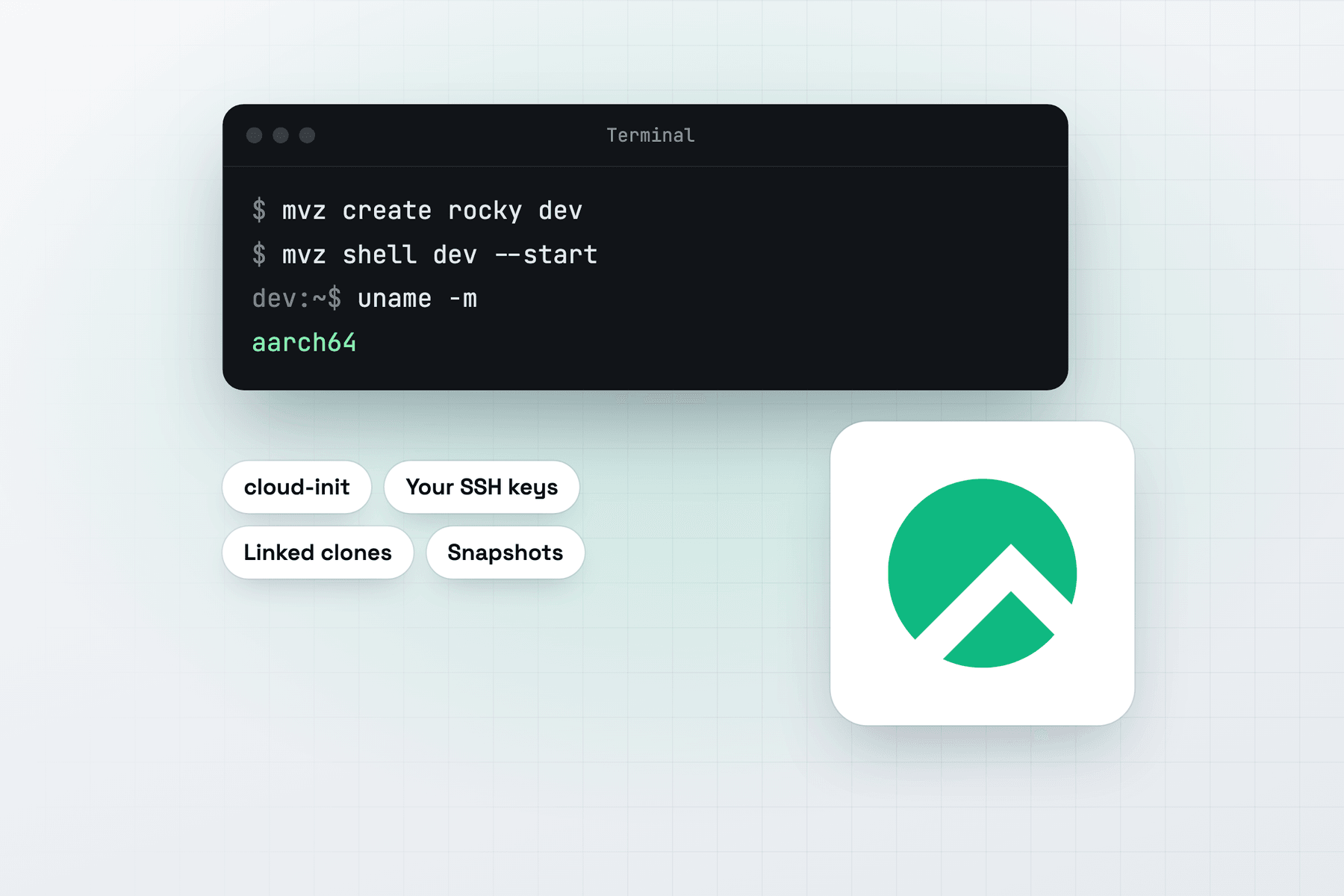
Create a Rocky Linux VM
In the app, choose New VM → Linux → Cloud Image → Rocky Linux 10. From Terminal:
mvz create rocky dev                        # Rocky Linux 10 (alias: rocky)
mvz create rocky-9 el9                      # Rocky Linux 9
mvz shell dev --start
Rocky 10's image is Rocky-10-GenericCloud-Base, and Rocky 9's is Rocky-9-GenericCloud, both aarch64 builds from dl.rockylinux.org, checked against the .CHECKSUM file Rocky publishes beside each. The catalogue tracks Rocky's latest build of each.
What you get
Your account has your Mac user name and UID, your SSH keys, bash and sudo without a password. The MacVisor Agent, Rosetta and automatic port forwarding are set up on the first boot.
Rocky Linux is a rebuild of Red Hat Enterprise Linux. Use it to build and test software for RHEL-family servers, to rehearse a dnf or SELinux change before it goes to production, or to keep a Rocky 9 and a Rocky 10 VM side by side while you port something.
Containers
All four runtimes work on Rocky 10 and 9.
mvz create rocky web --runtime docker
mvz create rocky pods --runtime podman- Podman comes from Rocky's own repositories, rootless, with its Docker-compatible API forwarded to the Mac.
- Docker comes from Docker's repository for RHEL (
docker-ce), since Rocky ships none. - containerd is a rootless nerdctl setup. Rocky's cloud kernel leaves out some iptables modules that containers need to publish ports, so MacVisor installs
kernel-modules-extrafor the running kernel. - k3s runs as a single node. Give it at least 4 GiB of memory.
Quirks
- SELinux enforcing.
getenforcein a new VM says Enforcing. MacVisor runs its per-user setup as a system service, which the policy allows, so rootless runtimes come up without turning SELinux off. Rootless containerd was tested this way on Rocky 10. - XFS root. The disk grows with
mvz set dev --disk 128, and the filesystem follows at the next boot. It can't shrink. - Missing modules. When Rocky's mirrors have no
kernel-modules-extrafor the running kernel, the runtime log says so. Update the kernel with dnf and reboot, and containers can publish ports again.