
 DeltaSnap
 DriveSync
 Noject
 DeltaSync
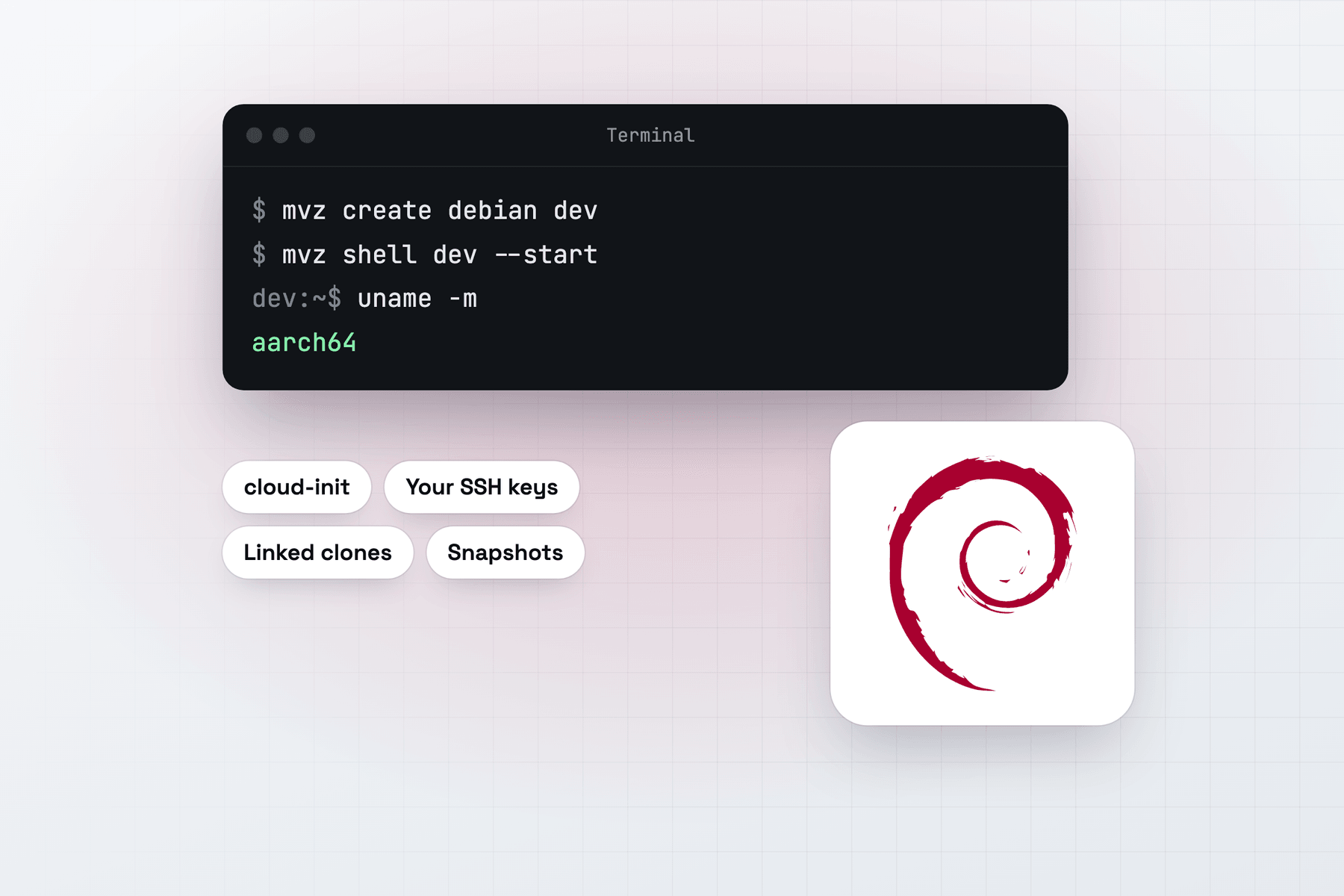
Create a Debian VM
In the app, choose New VM → Linux → Cloud Image → Debian 13 (trixie). From Terminal:
mvz create debian dev                       # Debian 13 trixie (alias: debian)
mvz create debian-12 bookworm               # Debian 12 bookworm
mvz shell dev --start
Both images come from cloud.debian.org and are checked against Debian's SHA512SUMS before use. The catalogue follows Debian's latest build for each release, so mvz images pull debian picks up point releases and security respins for later VMs. VMs you already made keep the build they started from.
What you get
Your account has your Mac user name and UID, your SSH keys, bash, and sudo without a password. Debian's cloud image has no default password, and MacVisor doesn't add one. The MacVisor Agent, Rosetta and automatic port forwarding are set up on the first boot, and the root filesystem grows to the VM's 64 GiB disk.
Debian suits a small, predictable base: a build box, a staging copy of a Debian server, or a VM you keep for years on a stable release. Keep Debian 12 for software that isn't ready for 13, and run both side by side as linked clones of two templates.
Containers
All four runtimes work on Debian 13 and 12.
mvz create debian web --runtime docker
mvz create debian pods --runtime podman- Docker comes from Debian's
docker.iopackage. Debian 13 splits the client intodocker-cli, and MacVisor installs both. Compose and Buildx come from Debian's packages where it has them. - Podman comes from Debian's archive, rootless, with Podman's Docker-compatible API forwarded to the Mac.
- containerd is a rootless nerdctl setup with BuildKit, cached on the Mac after the first VM.
Your own cloud-config
Debian is a common base for provisioning tests. Pass your own #cloud-config and it runs after MacVisor's:
mvz create debian dev2 --user-data cloud.yamlQuirks
- The installer ISO needs 512-byte sectors. Debian's installer fails on a 4 KB-sector disk, and a disk's sector size can't change later. The New VM form and
mvz create <file.iso> <name> --os linuxdefault to 512 bytes. See Disk formats and sector sizes. - First boot waits on apt. apt-daily can hold the package lock after boot. A runtime install waits for it, up to 10 minutes.
- Tart's Debian image works too:
mvz create ghcr.io/cirruslabs/debian:latest deb. It signs in asadminwith the passwordadmin.