
 DeltaSnap
 DriveSync
 Noject
 DeltaSync
Create an Alpine VM
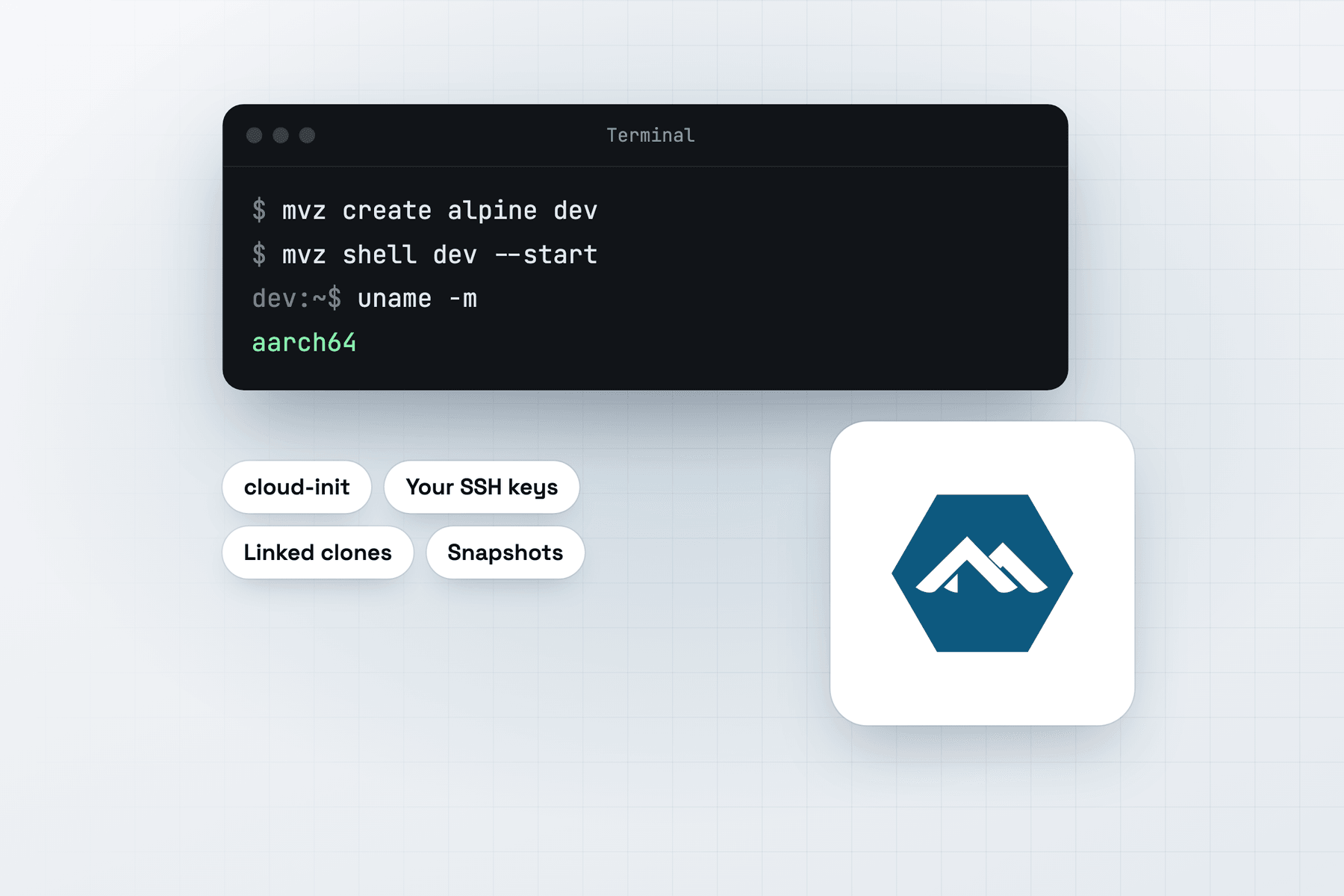
In the app, choose New VM → Linux → Cloud Image → Alpine Linux 3.24.3. From Terminal:
mvz create alpine dev                       # Alpine Linux 3.24.3 (alias: alpine)
mvz shell dev --start
The image is alpine-3.24.3-aarch64-cloudinit-r0.qcow2 from dl-cdn.alpinelinux.org, pinned to a SHA-512 digest in the signed catalogue.
What you get
Your account has your Mac user name and UID, your SSH keys and sudo without a password. The MacVisor Agent runs as an OpenRC service, and automatic port forwarding works through it as on other distributions.
Alpine is built on musl libc and BusyBox. Use it to build and test software against musl, to reproduce what runs in Alpine-based container images, or when you want a VM that needs little memory and disk.
Containers
| Runtime | On Alpine |
|---|---|
| containerd | Alpine's containerd, nerdctl, buildkit and CNI packages, as system services. Use sudo nerdctl. |
| Docker | Alpine's docker package, with Compose and Buildx where Alpine has them, and your account in the docker group. |
| Podman | Not offered |
| k3s | Not offered |
mvz create alpine ctr --runtime containerd
mvz exec ctr --start --wait -- sudo nerdctl run --rm alpine uname -m
A Docker VM's API is forwarded to the Mac as the macvisor-<vm> docker context, as on other distributions. MacVisor also starts OpenRC's cgroups service, which containerd and Docker need there.
What differs from systemd distributions
- The account is unlocked. cloud-init leaves a passwordless account locked, and Alpine's sshd, built without PAM, refuses even key logins to a locked account. MacVisor marks it as having no password instead, so your SSH keys work.
- The shell is /bin/sh. The image has no bash.
sudo apk add bashadds it. - The package index can fail on first boot. apk sometimes runs before the network, DNS or clock is ready and reports a TLS error. MacVisor retries it for up to a minute and a half before a runtime install.
- The power button may be ignored. Without acpid, Alpine doesn't act on the virtual power button. Shut Down and
mvz stopthen ask the MacVisor Agent to shut the guest down.