
 DeltaSnap
 DriveSync
 Noject
 DeltaSync
Create an Ubuntu VM
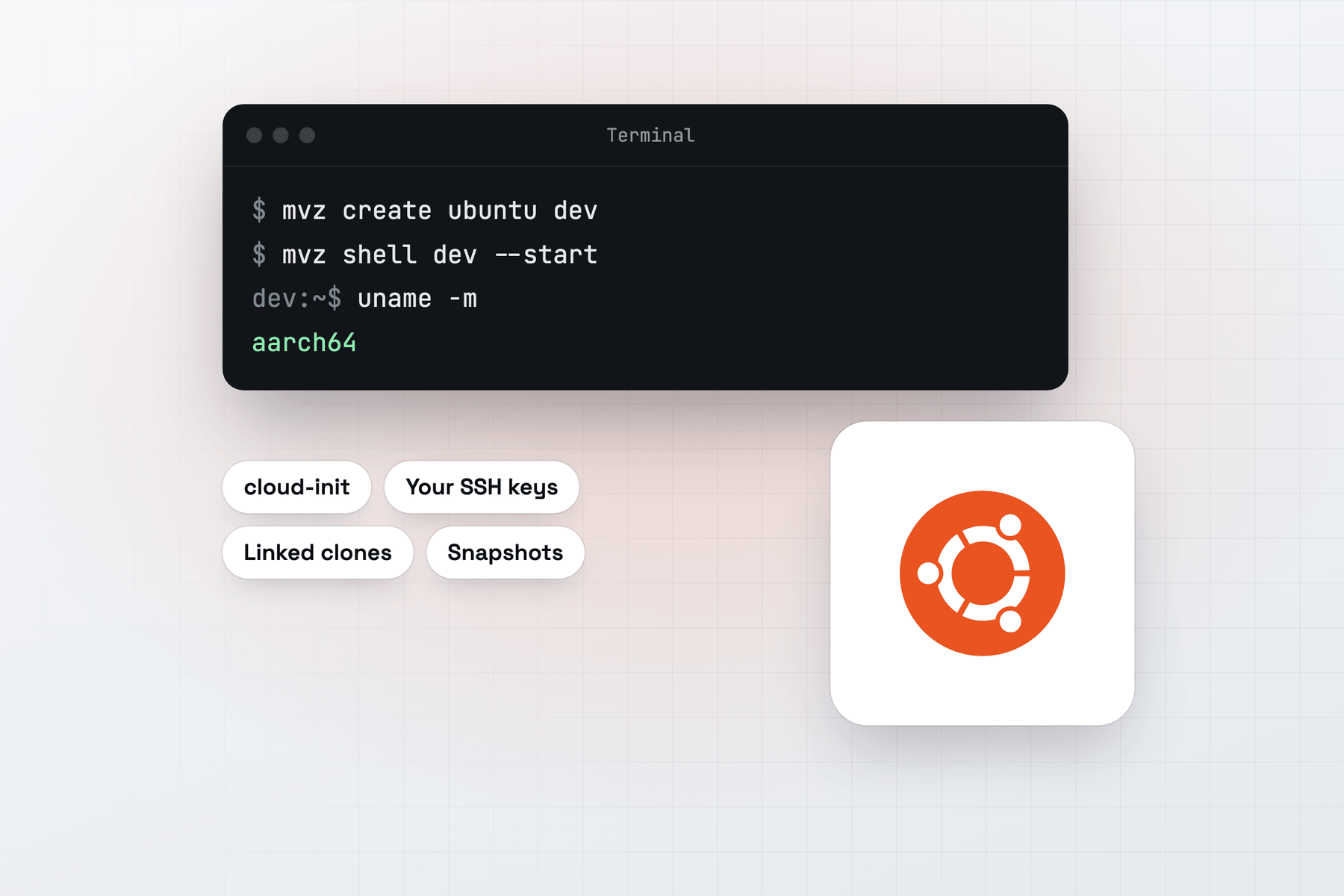
In the app, choose New VM → Linux → Cloud Image → Ubuntu 26.04 LTS. From Terminal:
mvz create ubuntu dev                       # Ubuntu 26.04 LTS (aliases: ubuntu, ubuntu-lts)
mvz create ubuntu-24.04 noble               # Ubuntu 24.04 LTS
mvz shell dev --start
Both images are Canonical's ARM64 server cloud images from cloud-images.ubuntu.com, checked against Ubuntu's SHA256SUMS. The catalogue tracks Canonical's newest build, and mvz images pull ubuntu fetches a newer one for later VMs.
What you get
Your account has your Mac user name, your SSH keys, bash, and sudo without a password. The MacVisor Agent, Rosetta and automatic port forwarding are set up on the first boot. mvz ssh-config --install once, and ssh dev.mvz and VS Code Remote-SSH work by name.
Ubuntu LTS is a sensible default for a dev VM. Each LTS release gets five years of standard security updates, and most Linux tools publish Ubuntu packages or instructions.
Containers
Every runtime works on Ubuntu. MacVisor installs Docker Engine from Ubuntu's own docker.io package, Podman from Ubuntu's archive, and containerd as a rootless nerdctl setup with BuildKit, so nerdctl run needs no sudo.
mvz create ubuntu web --runtime docker --home
mvz create ubuntu k8s --runtime k3s --memory 8
Ubuntu Desktop
Only Ubuntu images offer Install Ubuntu Desktop, in the New VM form's Account section. With it on:
- The first boot installs GNOME from Ubuntu's archive and the Snap Store, about 1 GB, and the window shows the desktop when it's done, without a restart.
- Your account signs in by itself. Its password, random unless you type one, is for the lock screen and admin prompts: Show Password on the Overview, or
mvz password dev. - The VM gets 6 GiB of memory and 4 vCPUs. Its resolution follows the window, and it has a microphone.
- NetworkManager runs the network, as on a stock Ubuntu Desktop.
See Ubuntu Desktop for the clipboard and password details.
A TPM for disk encryption
Turn on a TPM 2.0 with mvz set dev --tpm on, or under VM Settings → System → Firmware. MacVisor tested it on Ubuntu 26.04, where systemd-analyze has-tpm2 says yes and systemd-cryptenroll --tpm2-device can seal a LUKS key to it. The TPM is sealed to your Mac. See A TPM for Linux VMs.
Quirks
- First boot waits on apt. Ubuntu's unattended upgrades often hold the package lock right after boot. A runtime install waits for the lock, up to 10 minutes, instead of failing.
- Tart's Ubuntu image works too.
mvz create ghcr.io/cirruslabs/ubuntu:latest u1pulls it from the registry. It signs in asadminwith the passwordadmin, so change that if other people can reach the VM. - ARM64 only. An x86-64 Ubuntu ISO or image won't boot. Ubuntu's ARM64 ISOs install with Linux → Installer ISO.