
 DeltaSnap
 DriveSync
 Noject
 DeltaSync
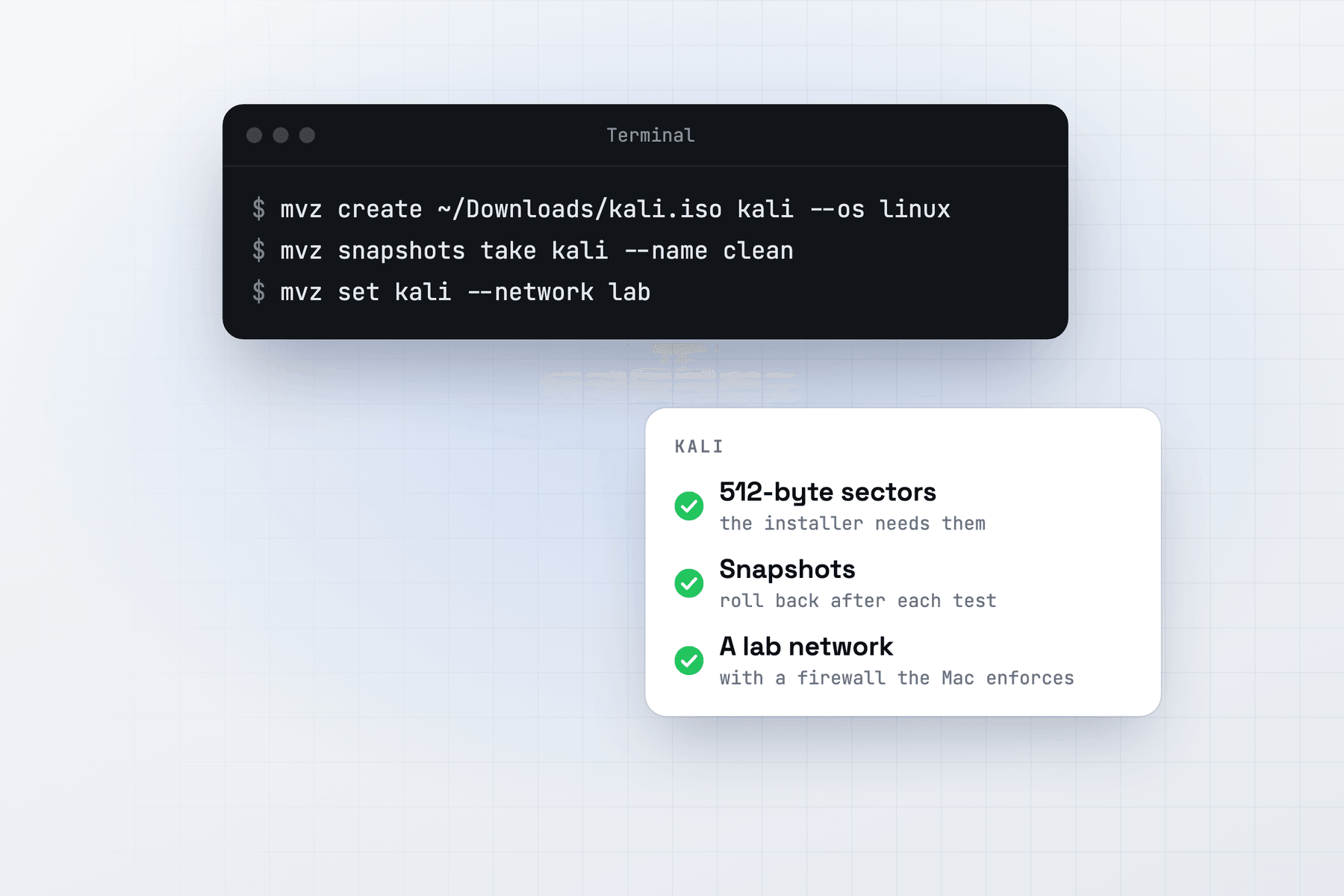
Kali isn't in MacVisor's catalogue, so there is no one-command cloud image. You run Kali's own installer once, then keep the result as a snapshot or a template.
Create the VM
Download the ARM64 installer image from Kali's download page, kali.org/get-kali. In MacVisor, press ⌘N, choose Linux, then Installer ISO, and pick the file. New VM shows Kali's icon. From Terminal, with the path of the ISO you downloaded:
mvz create ~/Downloads/<kali-arm64-installer>.iso kali --os linux --memory 8
mvz start kali
A VM installed from an ISO gets 4 vCPUs, 4 GiB of memory and a 64 GiB ASIF disk unless you say otherwise. Install Kali in the VM's window. When the installer reboots, MacVisor offers to eject the ISO (mvz set kali --iso none does it too) and attaches the guest tools disc from the next start.
Install the MacVisor Agent
With the guest tools disc in, run this in Kali (the Overview shows the same command, ready to copy):
sudo mount -o ro -L MACVISOR_AGENT /mnt && sudo sh /mnt/install-linux.shThe agent adds clipboard sharing, file transfer (mvz send kali <file>), port forwards, the kali.mvz name, a clean shutdown and a flush of the guest's writes before each snapshot. See Install in a Linux guest.
A QEMU guest agent can run beside it, for addresses and shutdown while the MacVisor Agent isn't connected. Shut the VM down, run mvz set kali --qemu-ga on, start it, and run sudo apt install qemu-guest-agent in Kali. See QEMU guest agent.
Snapshot before risky work
mvz snapshots take kali --disk-only --name "Clean install"
mvz snapshots revert kali "Clean install"
A disk-only snapshot is the baseline to keep across macOS and MacVisor updates. A live snapshot also saves memory, for a save point in the middle of an exercise. It detaches USB devices while it saves, and attaches them again afterwards. See Snapshots and recovery.
Put it on a lab network
Give Kali a network of its own, with a firewall the Mac enforces in its packet filter, where nothing in the guest can turn it off:
mvz networks create lab
mvz set kali --network lab                  # applies at the next start
mvz networks firewall lab on --inbound deny --outbound deny \
  --deny out:any::192.168.1.0/24 --allow out:tcp:80 --allow out:tcp:443
Put your home LAN's subnet in the deny rule. Targets on the same network reach Kali directly, because the firewall doesn't filter traffic between VMs on one network. It filters IPv4 only. A VM installed from an ISO gets no automatic DHCP reservation, so reach it as kali.mvz. The network lab adds routers, targets and VLANs.
USB adapters
mvz usb list kali
mvz usb attach kali <vid:pid>
Kali sees the device as if it were plugged into the VM and uses its own driver. Audio devices and webcams can't be passed through. Monitor mode and packet injection with USB Wi-Fi adapters haven't been tested, and the Mac's built-in Wi-Fi and Bluetooth aren't passed to VMs. See USB devices.
ARM64 only
You get Kali's ARM64 packages. A tool Kali builds only for amd64 won't install, and MacVisor has no x86 emulation. Linux VMs have no GPU acceleration, so tools that need a GPU won't find one.
Use Kali on networks and systems you own or are authorised to test.