
 DeltaSnap
 DriveSync
 Noject
 DeltaSync
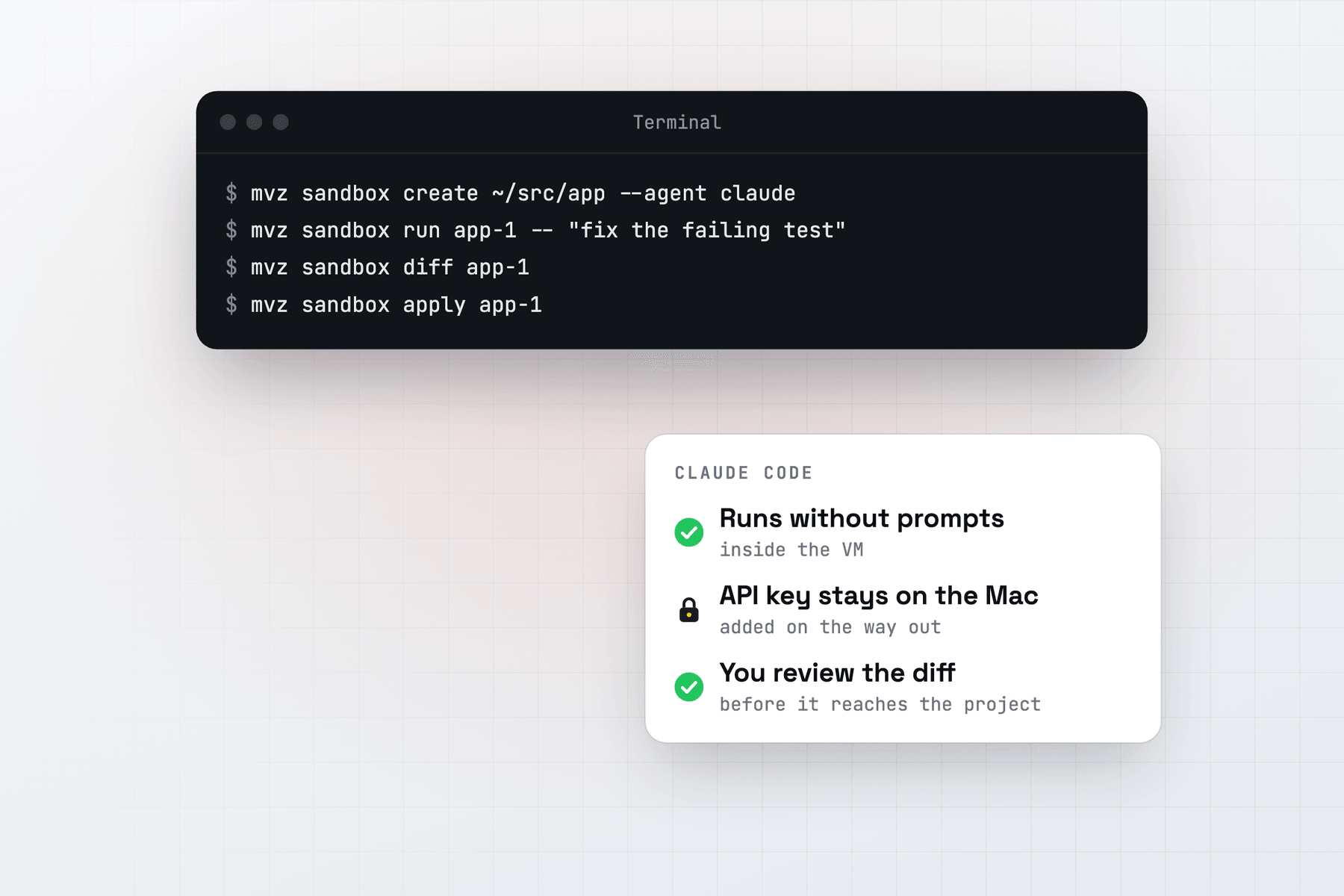
Claude Code asks before it runs a command or edits a file. --dangerously-skip-permissions turns that off, and Anthropic's documentation recommends doing so only inside a container or a VM. A MacVisor sandbox gives Claude Code that VM and runs it with the flag already on.
Create the sandbox
With an Anthropic key, stored once on the Mac:
mvz ai keys set anthropic
mvz sandbox create ~/src/app --agent claude --model claude-sonnet-4-5
Or in the app: New AI Sandbox…, then choose Claude Code as the agent. Add --os macos for a macOS 27 sandbox.
MacVisor installs Claude Code with Anthropic's native installer and writes ~/.claude/settings.json in the VM. That file points Claude Code at MacVisor's gateway with a placeholder token, turns off its auto-updater and non-essential traffic, and skips the first-run questions. The installer's sites (claude.ai, api.anthropic.com and storage.googleapis.com) are allowed only while it installs.
Run, review and apply
mvz sandbox run app-1 -- "add tests for the date parser and make them pass"
mvz sandbox attach app-1                 # Claude Code, interactively
mvz sandbox diff app-1 --patch
mvz sandbox apply app-1 --branch         # onto sandbox/app-1
run starts claude -p --dangerously-skip-permissions on your prompt and streams its output. attach, or Run Agent in the app, opens claude --dangerously-skip-permissions in Terminal. Both run as the VM's user account, because Claude Code refuses that flag as root. --model on run picks another model for one run.
When you review, MacVisor flags changes to files that configure Claude Code on your Mac: .claude/, CLAUDE.md, CLAUDE.local.md and .mcp.json. An agent that rewrites those could change how Claude Code behaves the next time you run it on the Mac, so read them before you apply.
Models
| Model | How to set it up |
|---|---|
| Claude, through Anthropic | mvz ai keys set anthropic, then --model claude-sonnet-4-5 or another claude-* name |
| A local model | A server that speaks Anthropic's Messages API (recent Ollama and LM Studio, llama.cpp, oMLX), then --model qwen3-coder:30b |
mvz ai status shows which APIs your local server speaks. Claude Code can't use OpenAI models through MacVisor, because OpenAI doesn't serve Anthropic's API.
When you name a model, MacVisor points Claude Code's model, its Haiku alias for background work and its subagents at it. A sandbox on a local model therefore stays on that model, and the gateway refuses cloud models for it unless you add --cloud. Without a model of its own, Claude Code asks for its default Claude model through Anthropic.
A Claude subscription instead of a key. Create the sandbox with --egress open, don't store an Anthropic key on the Mac, and sign in inside the VM. You give up the allow list for that sandbox.
Internet access
With the default allowlist, Claude Code reaches the models and the sites you add, nothing else. The gateway refuses Anthropic's web fetch and MCP connector, which run on Anthropic's servers and could reach any site. Claude Code shows the error, which says how to allow them: mvz sandbox set app-1 --provider-tools on. Anthropic's web search stays allowed.
mvz sandbox allow app-1 npm           # let it install packages
mvz sandbox log app-1 --egress        # what it tried to reach
Claude Code on your Mac instead
If you'd rather keep Claude Code on the Mac and give it VMs to work in, add MacVisor's MCP server:
mvz mcp install claude-codeThat runs claude mcp add --scope user macvisor -- /usr/local/bin/mvz mcp serve, so the tools are there in every folder. See the MCP pattern and Connect an agent.
AI sandboxes are a Tech Preview, in every license and the free 30-day trial. See AI sandboxes for the full reference.