
 DeltaSnap
 DriveSync
 Noject
 DeltaSync
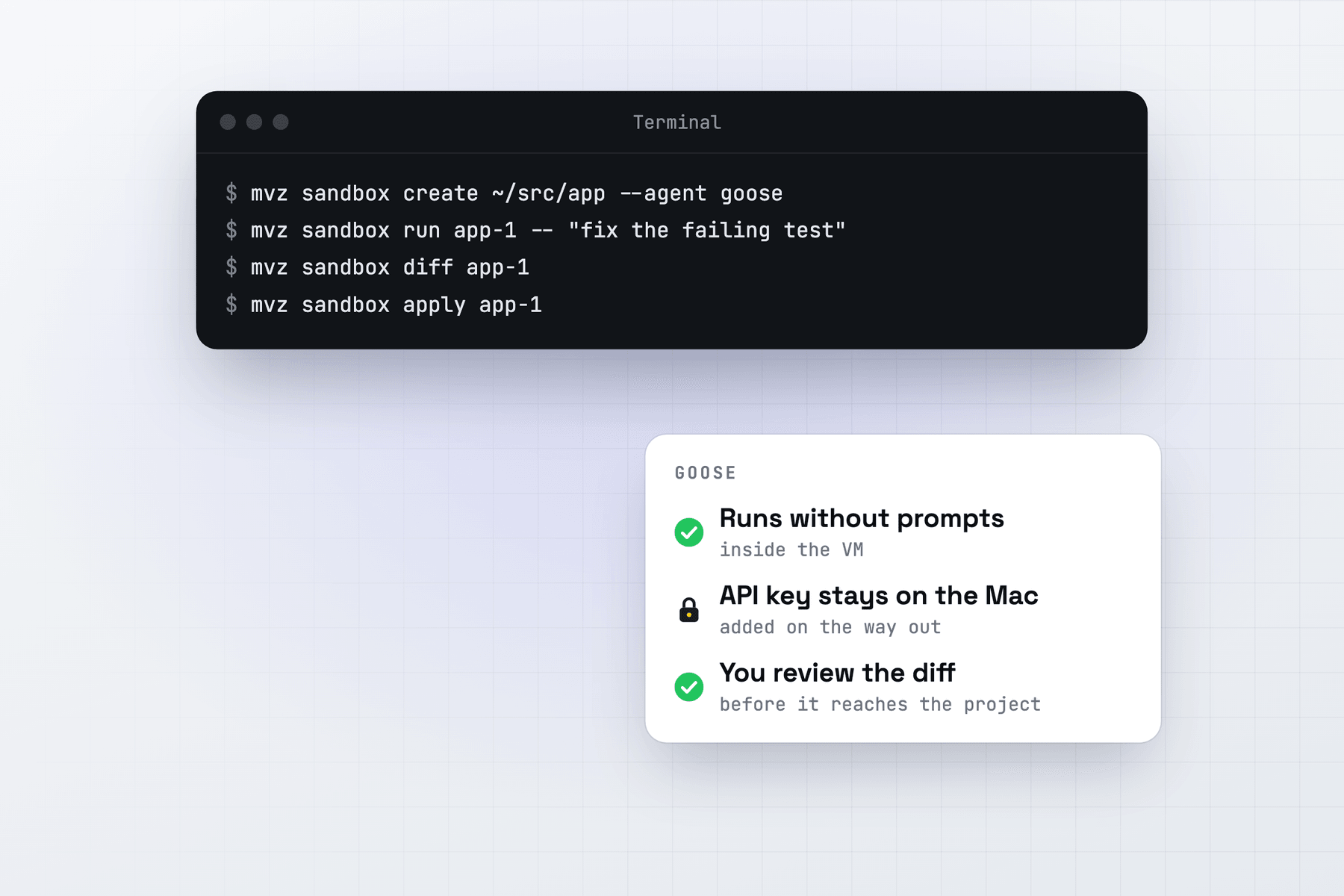
Goose is MacVisor's default sandbox agent, so mvz sandbox create without --agent installs it. It talks to MacVisor's gateway with OpenAI's Chat Completions API, which local model servers commonly offer, so it pairs easily with a local model.
Create the sandbox
With a local model on the Mac (MacVisor finds Ollama, LM Studio, llama.cpp, oMLX and others on their usual ports):
mvz ai status --probe                          # the servers and models found
mvz sandbox create ~/src/app --model qwen3-coder:30b
Or in the app: New AI Sandbox…, with Goose as the agent. Add --os macos for a macOS 27 sandbox.
No model server yet? mvz models lists open-source coding models that fit your Mac, and mvz models server install ollama installs one with Homebrew.
MacVisor installs Goose from its GitHub release with the official download_cli.sh (on Linux it adds bzip2 first, which the archive needs). It writes ~/.config/goose/config.yaml in the VM with:
- the
openaiprovider, pointed at MacVisor's gateway; GOOSE_MODE: auto, so Goose doesn't stop to ask;- the keyring off, since there is no key to keep, and telemetry off.
GitHub, where the installer comes from, is allowed only while it installs.
Run, review and apply
mvz sandbox run app-1 -- "port the CLI's argument parsing to the new flags library"
mvz sandbox attach app-1                 # a Goose session
mvz sandbox diff app-1
mvz sandbox apply app-1 --branch
run starts goose run --no-session --with-builtin developer with your prompt, so a one-off task leaves no saved session behind. attach, or Run Agent in the app, opens goose session with the same developer extension. --model on run sets Goose's model for that run only.
When you review, a changed .goosehints file is flagged with the other agent instructions, because Goose on your Mac reads it.
Models
The model name picks the route:
--model | Goes to |
|---|---|
qwen3-coder:30b or any other name | The model server on your Mac |
claude-* | Anthropic, with your key |
gpt-*, o3, o4 | OpenAI, with your key |
openrouter/<model> | OpenRouter, with your key |
A sandbox set up with a local model is limited to local models, so Goose can't switch to a paid one you didn't choose. Allow it with --cloud at create, or mvz sandbox set app-1 --cloud on. mvz ai log app-1 lists each request with its model and tokens.
Internet access
Goose's developer extension runs shell commands, so most tasks need a package registry sooner or later. Add it as the task needs it:
mvz sandbox allow app-1 ubuntu pypi
mvz sandbox log app-1 --egress
Goose on your Mac instead
mvz mcp install goose adds MacVisor's MCP server to ~/.config/goose/config.yaml on the Mac as an extension (GOOSE_PATH_ROOT moves it). Goose can then work in sandboxes and in VMs you open to agents. See Connect an agent.
AI sandboxes are a Tech Preview, in every license and the free 30-day trial. See AI sandboxes and the overview.