
 DeltaSnap
 DriveSync
 Noject
 DeltaSync
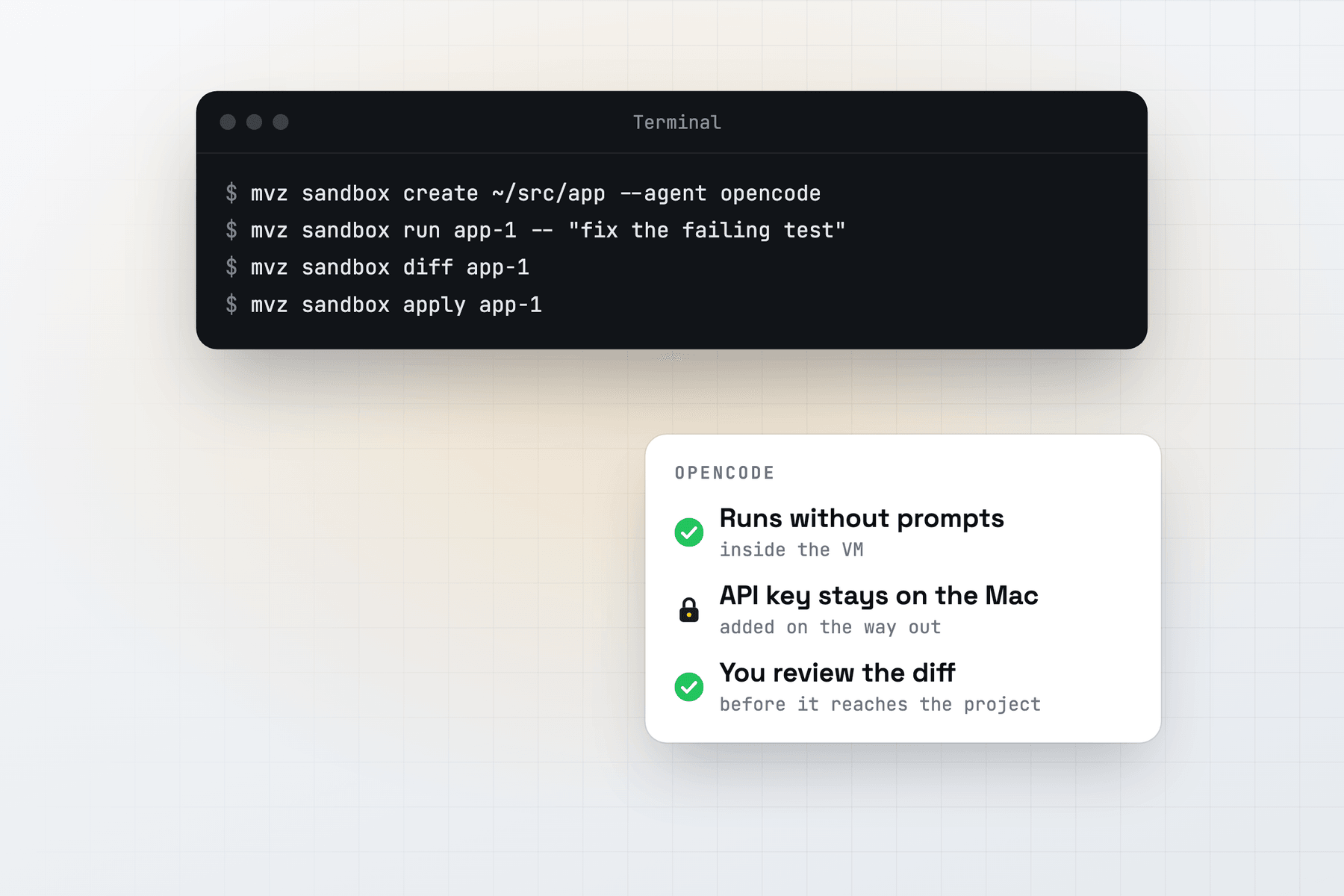
OpenCode is an open-source terminal agent with its own permission rules for edits and commands. In a MacVisor sandbox they are all set to allow, and the VM takes their place as the boundary.
Create the sandbox
mvz sandbox create ~/src/app --agent opencode --model qwen3-coder:30bOr in the app: New AI Sandbox…, then OpenCode as the agent. Add --os macos for a macOS 27 sandbox.
MacVisor installs OpenCode with its official install script, into ~/.opencode/bin, and puts that folder on the sandbox's path. While it installs, the sandbox may reach opencode.ai, GitHub and the npm registry. Those come off the allow list before the pristine checkpoint.
It then writes ~/.config/opencode/opencode.json in the VM:
{
  "$schema": "https://opencode.ai/config.json",
  "provider": {
    "macvisor": {
      "npm": "@ai-sdk/openai-compatible",
      "name": "MacVisor",
      "options": { "baseURL": "http://127.0.0.1:11500/v1", "apiKey": "macvisor-sandbox" },
      "models": { "qwen3-coder:30b": { "name": "qwen3-coder:30b" } }
    }
  },
  "model": "macvisor/qwen3-coder:30b",
  "autoupdate": false,
  "share": "disabled",
  "permission": "allow"
}
The address is MacVisor's gateway as the VM sees it, and the key is a placeholder that the gateway ignores. The VM never holds a real key. Sharing is off, so no session leaves the VM as a share link, and OpenCode doesn't update itself or fetch its online models list.
Run, review and apply
mvz sandbox run app-1 -- "replace the hand-written SQL in reports/ with the query builder"
mvz sandbox attach app-1                 # the OpenCode interface
mvz sandbox diff app-1
mvz sandbox apply app-1 --branch
run starts opencode run on your prompt and streams the result. attach, or Run Agent in the app, opens OpenCode's terminal interface in the project folder. --model on run passes -m macvisor/<model> for that run.
A changed opencode.json or AGENTS.md in your project is flagged when you review, because OpenCode on your Mac reads them.
Models
OpenCode reaches the gateway through the OpenAI-compatible provider, so the model name decides the route:
- any name a local server has (Ollama, LM Studio, llama.cpp, oMLX and others), such as
qwen3-coder:30b; claude-*for Anthropic,gpt-*for OpenAI, oropenrouter/<model>, each with a key stored bymvz ai keys set.
A sandbox set up with a local model stays on local models unless you allow the cloud with --cloud, so OpenCode can't move to a paid model on its own. mvz ai log app-1 shows each request's model, time and tokens.
Internet access
With the default allow list, OpenCode reaches the models and nothing else until you add a site. Add the package registries your project uses:
mvz sandbox allow app-1 npm github
mvz sandbox log app-1 --egress
To give the sandbox the open internet instead, create it with --egress open. It is then on the network like any other VM.
AI sandboxes are a Tech Preview, in every license and the free 30-day trial. See AI sandboxes and the overview.