
 DeltaSnap
 DriveSync
 Noject
 DeltaSync
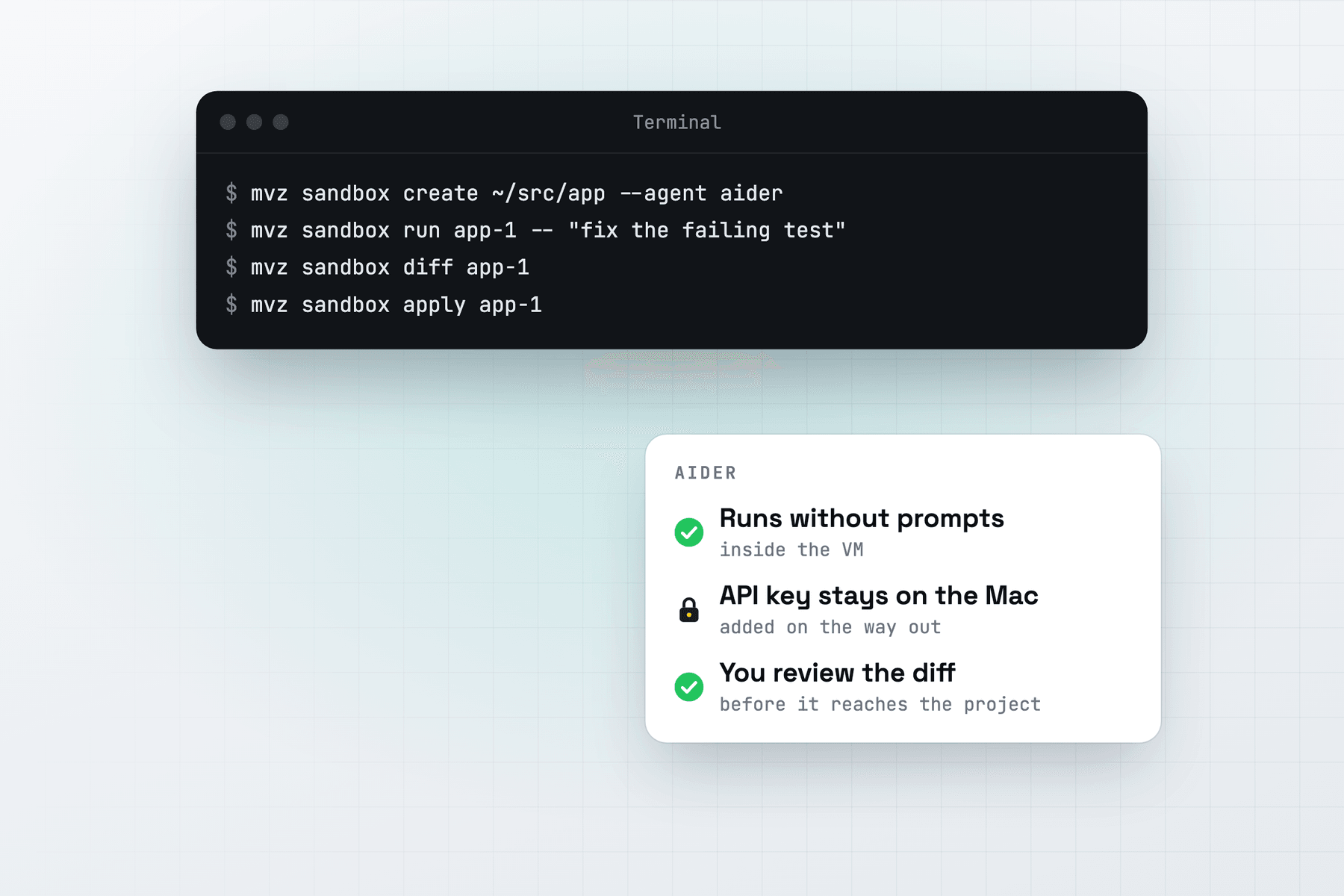
Aider normally asks before it edits a file or runs a command, and commits each change it makes. In a MacVisor sandbox it runs with --yes-always, and its auto-commits are off: you get one diff of everything it did, reviewed on the Mac.
Create the sandbox
mvz sandbox create ~/src/app --agent aider --model qwen3-coder:30bOr in the app: New AI Sandbox…, then Aider as the agent. Add --os macos for a macOS 27 sandbox.
MacVisor installs Aider with its official install.sh, which uses uv and puts aider in ~/.local/bin. The installer's sites (aider.chat, the Python package index and GitHub) are allowed only while it installs. It then writes ~/.aider.conf.yml in the VM:
| Setting | Why |
|---|---|
model: openai/<model> and openai-api-base at the gateway | Aider's OpenAI-compatible route, for any model the gateway reaches |
openai-api-key | A placeholder. The real key stays on the Mac. |
yes-always: true | No confirmation prompts |
auto-commits: false | The sandbox's commits never come back, so edits stay in the files for the diff |
gitignore: false | Aider doesn't add its own files to your .gitignore |
check-update: false, analytics-disable: true | No update checks or analytics from the VM |
Run, review and apply
mvz sandbox run app-1 -- "rename UserStore to AccountStore across the codebase"
mvz sandbox attach app-1                 # an Aider chat
mvz sandbox diff app-1 --stat
mvz sandbox apply app-1
run starts aider --yes-always --message=<prompt>, which does the one task and exits. attach, or Run Agent in the app, opens the Aider chat with --yes-always. --model on run picks another model for one run, given to Aider as openai/<model>.
A changed .aider.conf.yml in your project is flagged when you review, with the other agents' settings files. Aider on your Mac would read it.
Models
Aider talks to the gateway with OpenAI's Chat Completions API, so it can use:
- a local model, on Ollama, LM Studio, llama.cpp, oMLX or another server MacVisor finds;
- Claude (
claude-*), OpenAI (gpt-*) or OpenRouter (openrouter/<model>), aftermvz ai keys setfor that provider.
A sandbox set up with a local model can't reach cloud models unless you allow it with --cloud. To see which models the gateway can route to, run mvz ai models.
Internet access
Aider's tests and linters often want packages. With the default allow list, add the registries the task needs:
mvz sandbox allow app-1 pypi
mvz sandbox allow app-1 npm
Aider can also add a web page to the chat with /web. That page is fetched from inside the VM, so its site has to be on the allow list too.
Rolling back
Aider makes a lot of small edits quickly. Take a checkpoint before a large change and go back if it goes wrong:
mvz sandbox checkpoint app-1 before-rename
mvz sandbox rollback app-1 before-rename
Rolling back forgets the changes diff collected, so run diff again afterwards. AI sandboxes are a Tech Preview, in every license and the free 30-day trial. See AI sandboxes.