
 DeltaSnap
 DriveSync
 Noject
 DeltaSync
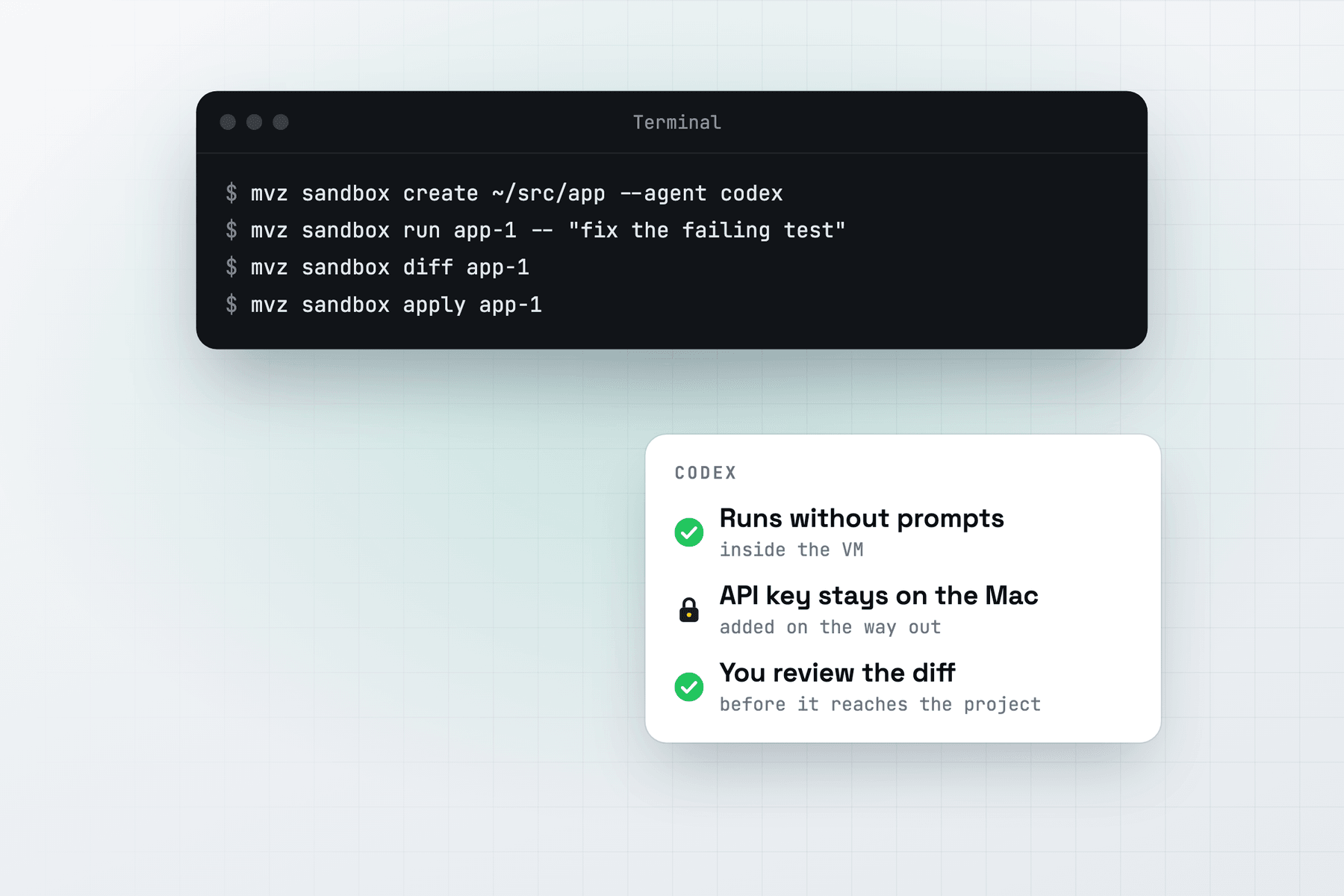
The Codex CLI has its own approval prompts and its own sandbox. In a MacVisor sandbox both are off, because the whole VM is the sandbox: Codex can install packages, run builds and edit any file there, and none of it touches your Mac until you apply the diff.
Create the sandbox
mvz ai keys set openai
mvz sandbox create ~/src/app --agent codex --model gpt-5
Or in the app: New AI Sandbox…, then Codex as the agent. Add --os macos for a macOS 27 sandbox.
MacVisor downloads Codex's release binary from GitHub (the Linux or macOS build for Apple Silicon) and writes ~/.codex/config.toml in the VM with:
- a
macvisormodel provider pointing at MacVisor's gateway, on the Responses API; approval_policy = "never"andsandbox_mode = "danger-full-access";- analytics off, and a web search setting that fits the sandbox's internet access (below).
Run, review and apply
mvz sandbox run app-1 -- "fix the flaky retry test in client_test.go"
mvz sandbox attach app-1                 # Codex, interactively
mvz sandbox diff app-1
mvz sandbox apply app-1
run starts codex exec --dangerously-bypass-approvals-and-sandbox --skip-git-repo-check on your prompt and streams its output. attach, or Run Agent in the app, opens Codex interactively with the same bypass. --model on run picks another model for one run. A change to AGENTS.md or .codex/ is flagged when you review, because Codex on your Mac reads them.
Models
| Model | How to set it up |
|---|---|
| OpenAI | mvz ai keys set openai, then a gpt-*, o3, o4 or codex-* model |
| OpenRouter | mvz ai keys set openrouter, then --model openrouter/<model> |
| A local model | A server that speaks the Responses API (Ollama, LM Studio, llama.cpp, oMLX) |
Codex speaks only the Responses API. Anthropic doesn't serve it, so Codex can't use Claude models through MacVisor. mvz ai status shows whether your local server speaks it.
Web search
Codex asks OpenAI for live web search, which opens any page from OpenAI's servers, around the sandbox's allow list. So with allowlist and none:
- MacVisor sets Codex's
web_searchtocached, OpenAI's cached search, which can't be pointed at a page. - On an OpenRouter model, which keeps no cache, web search is off.
- If a request still asks for live search, the gateway sends it on with the cached search instead.
mvz sandbox run, attach and Run Agent pass the right setting each time, including for a sandbox made with an earlier MacVisor. To allow live search and the provider's other tools for one sandbox, run mvz sandbox set app-1 --provider-tools on. An --egress open sandbox allows them by default.
ChatGPT sign-in instead of a key. Create the sandbox with --egress open, don't store an OpenAI key on the Mac, and sign in inside the VM.
Codex on your Mac instead
To give Codex on the Mac MacVisor's VMs through MCP, run mvz mcp install codex. It adds [mcp_servers.macvisor] to ~/.codex/config.toml, which the Codex CLI, IDE extension and app share. See Connect an agent.
AI sandboxes are a Tech Preview, in every license and the free 30-day trial. The full reference is AI sandboxes.