
 DeltaSnap
 DriveSync
 Noject
 DeltaSync
How it works
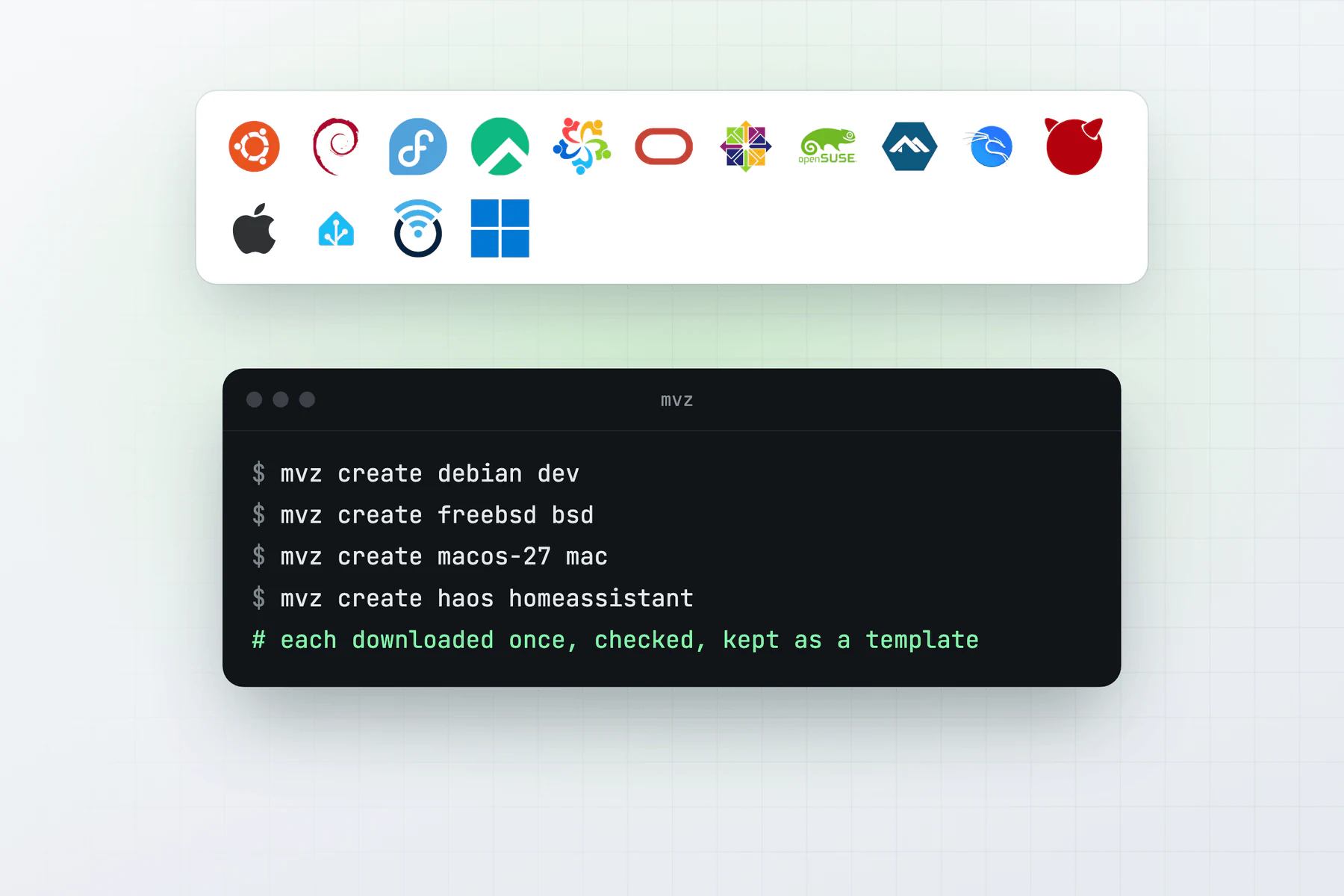
Name an image, and MacVisor downloads it once from its vendor, checks it, and keeps it as a template. Every VM you make from it after that is a linked clone, so it starts without a download.
mvz images                     # the catalogue, and what you've downloaded
mvz create debian dev          # download Debian 13 if needed, then make the VM
mvz shell dev --start          # start it without a window and open a shell
In the app, the New VM form and the sidebar's Templates section list the same images. Linux and FreeBSD images are set up by cloud-init on the first boot: your account, your SSH keys and the MacVisor Agent. A new VM gets 4 vCPUs, 4 GiB of memory and a sparse 64 GiB disk unless you pass --cpus, --memory or --disk.
Linux
All ARM64 cloud images, from each distribution's own site. The first id in each row is what mvz create takes; the alias picks the newest.
| Image | Command | More |
|---|---|---|
| Ubuntu 26.04 LTS, 24.04 LTS | mvz create ubuntu dev, mvz create ubuntu-24.04 dev | Ubuntu |
| Debian 13 (trixie), 12 (bookworm) | mvz create debian dev, mvz create debian-12 dev | Debian |
| Fedora 44, 43 | mvz create fedora dev, mvz create fedora-43 dev | Fedora |
| Rocky Linux 10, 9 | mvz create rocky dev, mvz create rocky-9 dev | Rocky Linux |
| AlmaLinux 10, 9 | mvz create alma dev, mvz create almalinux-9 dev | AlmaLinux |
| Oracle Linux 10, 9 | mvz create oracle dev, mvz create oraclelinux-9 dev | Oracle Linux |
| CentOS Stream 10 | mvz create centos dev | CentOS Stream |
| openSUSE Leap 16.1 | mvz create opensuse dev | openSUSE |
| Alpine Linux 3.24.4 | mvz create alpine dev | Alpine |
| Kali Linux 2026.3 | mvz create kali dev | Kali Linux |
Add --runtime docker, podman, containerd or k3s for a container runtime, installed on the first boot. Sources, build policy and which runtimes each distribution takes are in Linux images.
FreeBSD
| Image | Command |
|---|---|
| FreeBSD 15.1 | mvz create freebsd bsd |
| FreeBSD 16.0-CURRENT, weekly snapshot | mvz create freebsd-current bsd16 |
FreeBSD's own BASIC-CLOUDINIT images with a UFS root, used over SSH and at the console. See FreeBSD on a Mac.
macOS
Apple's restore images (IPSW), from Apple's servers.
| Release | Command |
|---|---|
| macOS 27 | mvz create macos-27 mac |
| macOS 27.3 beta | mvz create macos-27-beta beta |
| macOS 26 Tahoe | mvz create macos-26 tahoe |
| macOS 15 Sequoia | mvz create macos-15 sequoia |
| macOS 14 Sonoma | mvz create macos-14 sonoma |
macOS 27 guests set themselves up with an account, Remote Login and the MacVisor Agent; earlier releases go through Setup Assistant. A Mac runs at most two macOS VMs at a time, a limit of Apple's license and framework. See macOS VMs on Apple Silicon.
Appliances
Images that set themselves up, booted as they are, without cloud-init.
| Appliance | Command | More |
|---|---|---|
| Home Assistant OS 18.4 | mvz create haos homeassistant | Home Assistant OS |
| OpenWrt 25.12.6 | mvz create openwrt router | OpenWrt |
Any other ARM64 appliance image boots with mvz create <image> <name> --no-cloud-init. See Appliances.
Windows 11 on ARM
Microsoft publishes an ISO, not a VM image. Download the Windows 11 ARM64 ISO from Microsoft, then:
mvz create ~/Downloads/Win11_26H2_English_Arm64.iso win11 --sshMacVisor installs it unattended, with your account, the guest agent and Remote Desktop. See Windows 11 on ARM.
Registry images and your own
mvz create ghcr.io/cirruslabs/debian:latest deb      # an image from an OCI registry
mvz images add ~/Downloads/custom.qcow2              # your own qcow2, raw or .xz image, as a template
MacVisor pulls VM images from OCI registries, Tart's public macOS and Linux images included, and pushes your own VMs and templates to one. See Registry images and Cloud images and macOS installers.
How downloads are checked
The catalogue is signed and ships inside MacVisor. Every download uses HTTPS and is checked against the vendor's checksum, or for macOS against the SHA-256 of Apple's IPSW, before use. A download that fails the check is discarded. "Tracks" images take the vendor's newest build when you pull them; fixed builds move forward with MacVisor updates, and VMs you've made keep the build they were made from.