
 DeltaSnap
 DriveSync
 Noject
 DeltaSync
Create an openSUSE Leap VM
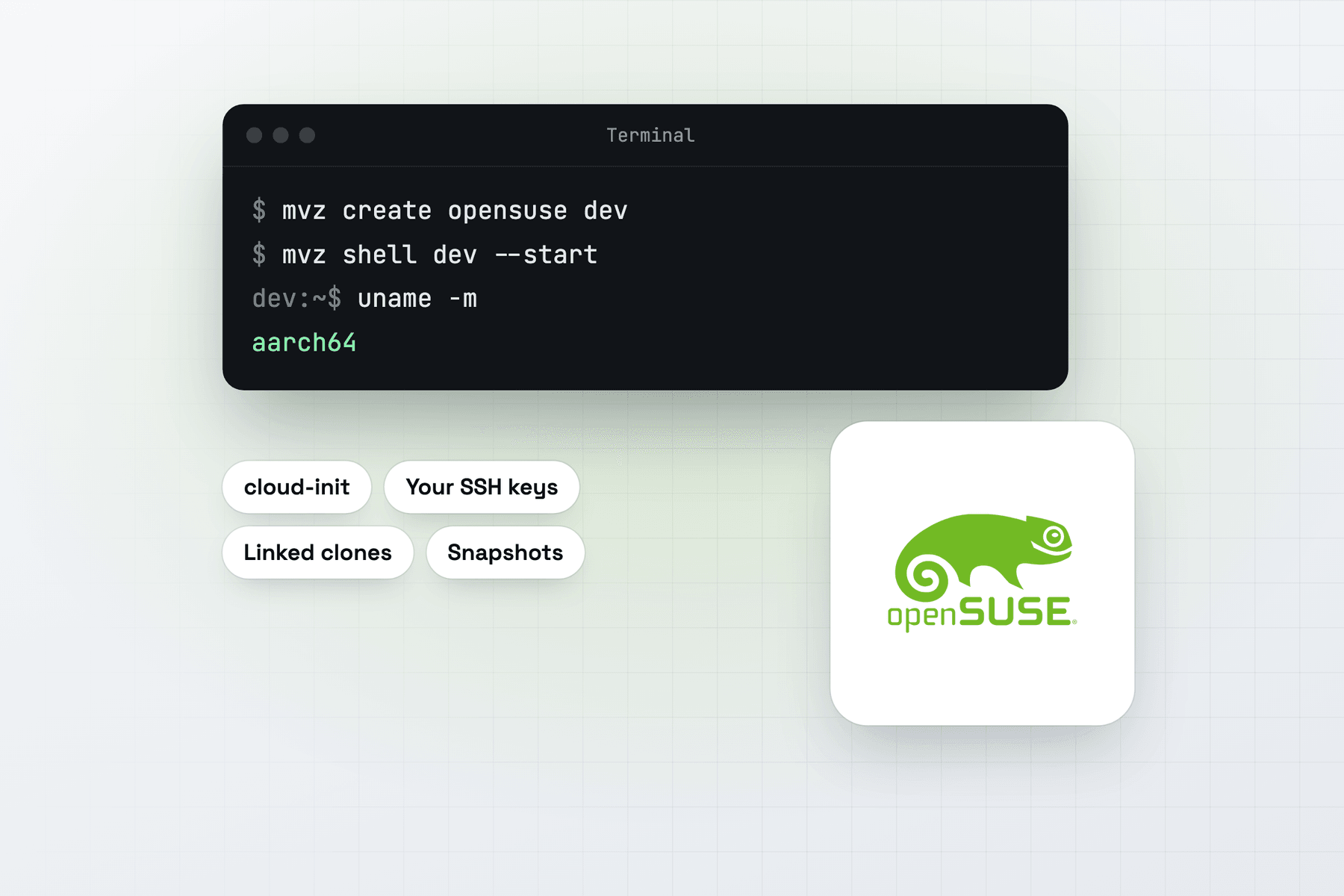
In the app, choose New VM → Linux → Cloud Image → openSUSE Leap 16.1. From Terminal:
mvz create opensuse dev                     # openSUSE Leap 16.1 (aliases: opensuse, leap)
mvz shell dev --start
The image is Leap-16.1-Minimal-VM.aarch64-Cloud.qcow2 from download.opensuse.org, checked against the .sha256 file beside it. The catalogue tracks openSUSE's newest build under that name, and mvz images pull opensuse fetches it for later VMs.
What you get
Your account has your Mac user name and UID, your SSH keys, bash and sudo without a password. The MacVisor Agent, Rosetta and automatic port forwarding are set up on the first boot.
Leap shares its base with SUSE Linux Enterprise. Use it to build or test for SUSE servers, to work with zypper and SUSE's package layout, or to check that an install script handles more than the apt and dnf families.
Containers
All four runtimes work on Leap 16.1.
mvz create opensuse web --runtime docker
mvz create opensuse pods --runtime podman- Docker is openSUSE's
dockerpackage, with Compose and Buildx where openSUSE has them, and your account in the docker group. - Podman is openSUSE's package, rootless, with
podman.socketon for your account and forwarded to the Mac. - containerd is a rootless nerdctl setup with BuildKit, from MacVisor's cache on the Mac after the first VM.
- k3s is a single node. Give it at least 4 GiB of memory.
SELinux on openSUSE 16
openSUSE 16 switched to SELinux, and its policy stops cloud-init's setup from entering your user session or creating transient units. MacVisor runs its per-user setup as a oneshot system service instead, with the script under /usr/local/libexec/macvisor, where the policy lets it run. You get rootless Podman and containerd without changing the policy.
Quirks
- zypper's lock on first boot. openSUSE refreshes its repositories right after boot. Runtime installs wait for the lock, up to 10 minutes.
- Mirrors. download.opensuse.org redirects each download to a mirror. One that hasn't synced the file yet answers 404, so MacVisor tries again and may get a different mirror.
- Templates from an earlier build still count. A Leap template you pulled under an older, build-tagged file name is used for
mvz create opensuseuntil you pull again.