
 DeltaSnap
 DriveSync
 Noject
 DeltaSync

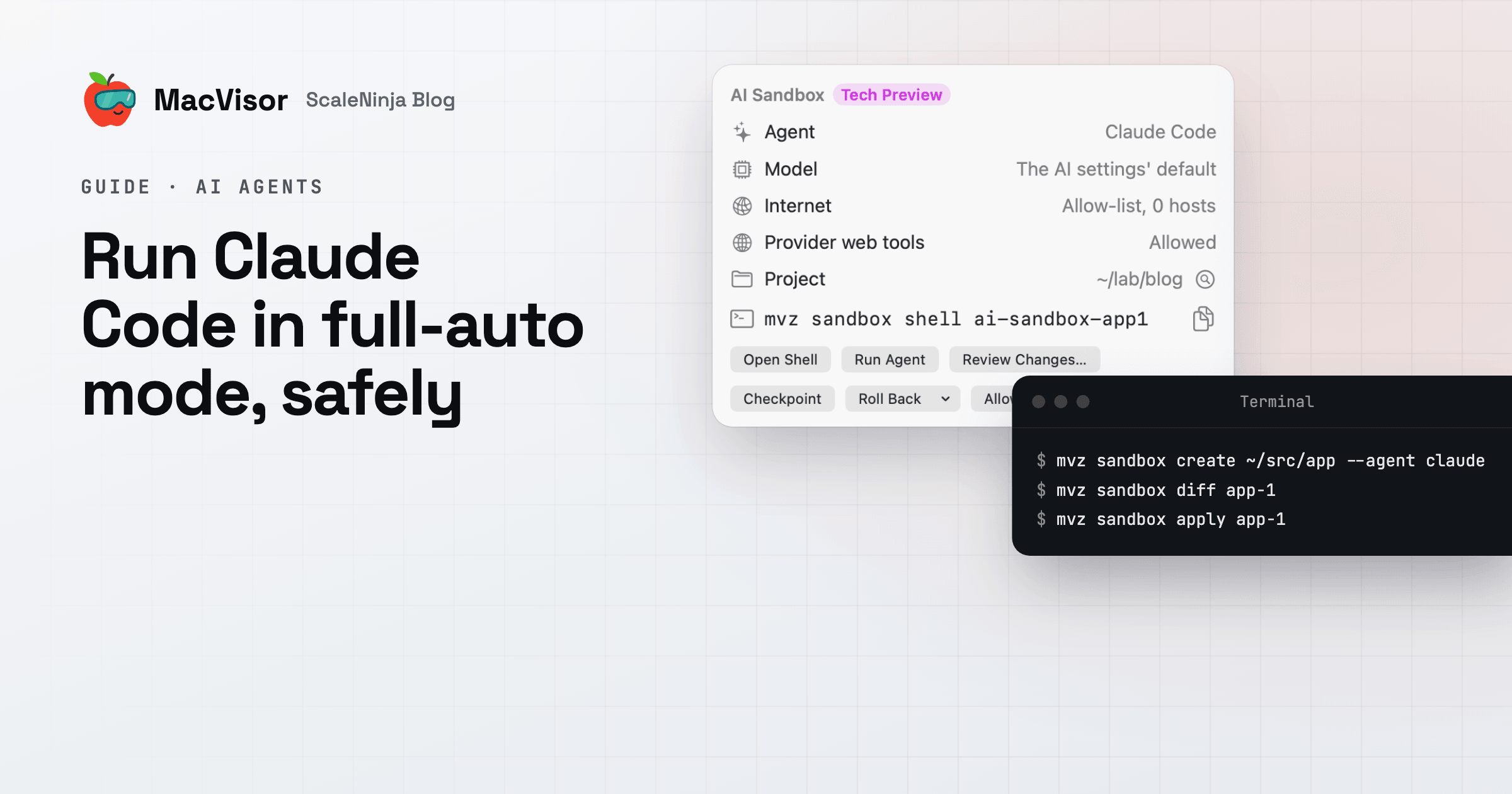
Claude Code works best when it doesn't stop to ask. Give it a task and it runs the tests, installs what it needs and tries again until it's done. That's what --dangerously-skip-permissions turns on, and the flag's name tells you the catch.
Anthropic's docs say to use it only inside a container or a VM. This guide shows the simplest way to do that on a Mac: a MacVisor AI sandbox, a throwaway VM made for the job.
What's at risk
With prompts off, Claude Code runs every command it decides to run, as you. On your Mac it can:
- read and change any file your account can, including
~/.sshand your other projects - read API keys from your shell,
.envfiles and config folders - reach the internet, your local network and services running on your Mac
- rewrite git history or push with your credentials
It doesn't have to be malicious. Mistakes happen, and a README, an issue or a web page can carry text written to steer an agent. With prompts off, the only safety left is where the agent runs.
Your options
| Option | Good for | Watch out for |
|---|---|---|
Claude Code's /sandbox | Everyday work. Built in, nothing to install. | It still runs on your Mac, as you. |
| A container | Linux-only projects. Light. | Keys usually go in as variables the agent can read. Linux only. |
| A VM | Full isolation, Linux or macOS, keys kept outside. | Uses more memory. |
For a Linux-only project with low-stakes keys, a container is often enough. If you want your keys out of reach, need macOS, or want to review every change before it lands, use a VM.
Run Claude Code in a MacVisor sandbox
You need an Apple Silicon Mac with macOS 27, and a project in a git repository. AI sandboxes are a Tech Preview.
1. Store your Anthropic key on the Mac, once.
mvz ai keys set anthropicThe key stays in the Mac's Keychain. MacVisor adds it to each request as it leaves the Mac, so the VM never sees it. To use a Claude subscription instead, create the sandbox with --egress open, store no key, and sign in inside the VM.
2. Create the sandbox.
mvz sandbox create ~/src/app --agent claudeOr click New AI Sandbox… in the app. MacVisor makes a Linux VM, copies in your project, installs Claude Code and saves a checkpoint called pristine. It takes about a minute. The sandbox is named after the folder, here app-1. Add --os macos if the work needs macOS or Xcode.
3. Give it a task.
mvz sandbox run app-1 -- "the integration tests fail on the new schema; fix them"Claude Code runs with permissions off, inside the VM. To chat with it instead, use mvz sandbox attach app-1.
4. Allow only the sites it needs.
The sandbox reaches the models and nothing else until you allow more:
mvz sandbox allow app-1 npm      # or github, pypi, ubuntu, homebrew
mvz sandbox log app-1 --egress   # what it tried to reach
5. Review the changes.
mvz sandbox diff app-1 --patchThe diff is made on your Mac, with your own git. MacVisor flags changes that could run code later, such as scripts, git hooks, CI files and .claude/ settings. Read those first.
6. Apply, or start over.
mvz sandbox apply app-1               # or --branch for a new branch
mvz sandbox rollback app-1 pristine   # try another prompt from scratch
mvz sandbox discard app-1             # done: the VM goes to the Trash
apply brings in exactly what you reviewed, all or nothing, and commits nothing.
Prefer Claude Code on your Mac?
Run mvz mcp install claude-code. Claude Code on your Mac can then run commands in sandboxes, read their files, show their diffs and take checkpoints, while its own permission prompts stay on for your Mac. Your other VMs stay hidden from it unless you open one to agents. See AI agents and MCP.
Good to know
- You can use a local model instead of a cloud key: Ollama, LM Studio, llama.cpp or oMLX on the Mac.
- A Mac runs two macOS VMs at a time, so at most two macOS sandboxes. Linux sandboxes have no such limit.
- Sandboxes on the allow-list network can reach each other.
- AI sandboxes are a Tech Preview, so commands may still change.
Try it free
MacVisor runs Claude Code, Codex, Goose, Aider and OpenCode in sandboxes, next to your macOS, Windows and Linux VMs. It's free for 30 days, then a one-time Pro license, with every single-Mac feature in every license.
Download MacVisor free See pricing
More detail: the Claude Code sandbox guide and the AI sandboxes docs.